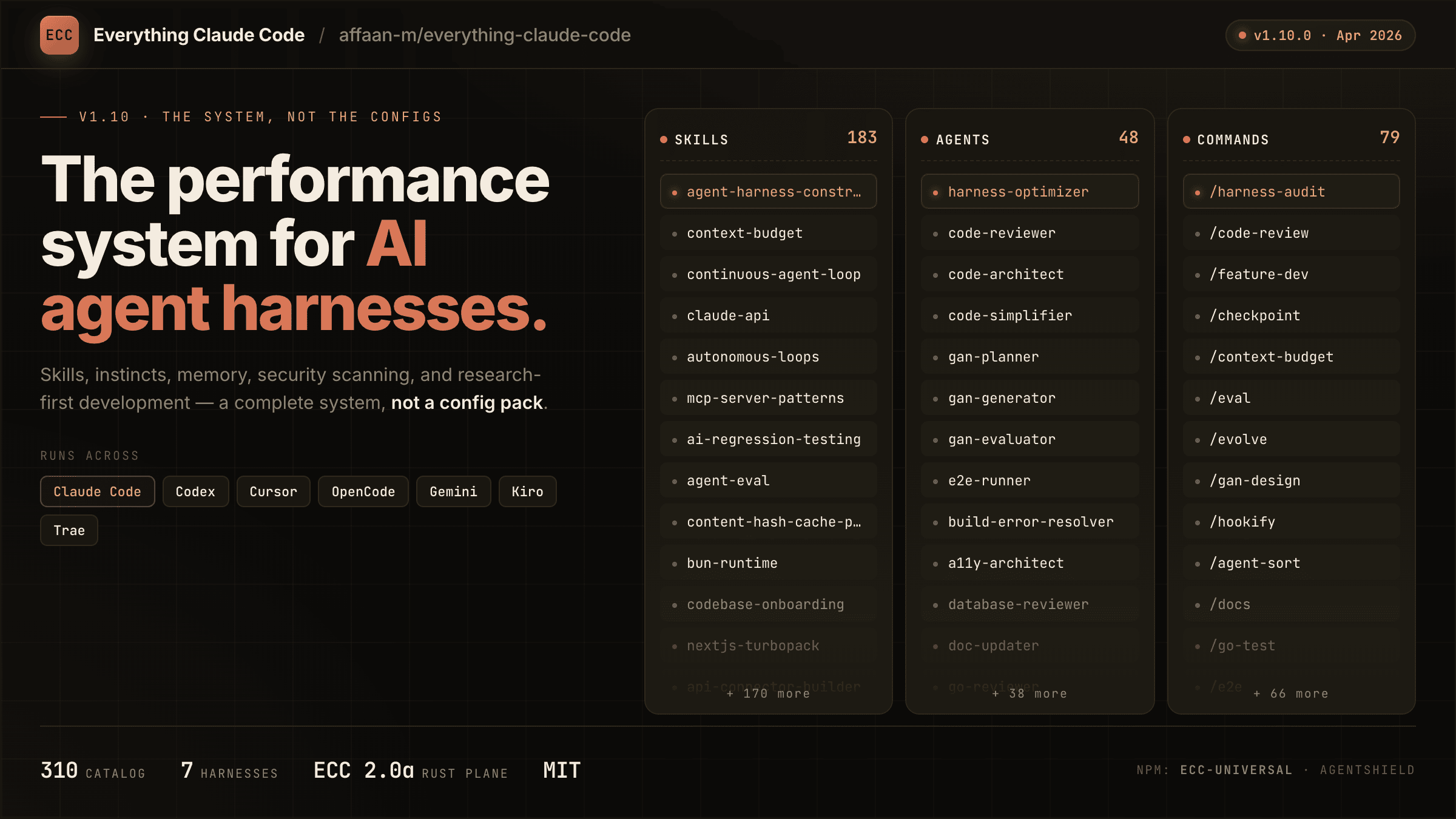
A comprehensive bundle of Claude Code optimizations: hooks, commands, CLAUDE.md configs, MCP setups, and workflow automations — everything you need in one repo.
Advanced examples and copy-paste templates covering subagent setups, hook pipelines, and custom commands.
guideexamplestutorials
MCP Servers
Awesome MCP Servers (wong2)
Another top-tier curated MCP server list with a focus on quality over quantity — well-categorized with descriptions and install commands for each server.
awesome-listcuratedmcp
Commands
Claude Code Spec Workflow
Pimzino's spec-driven development workflow — structured commands to write specs, validate them, generate code, and track feature completion in a consistent loop.
spec-drivenworkflowvalidation
Commands
wshobson Commands
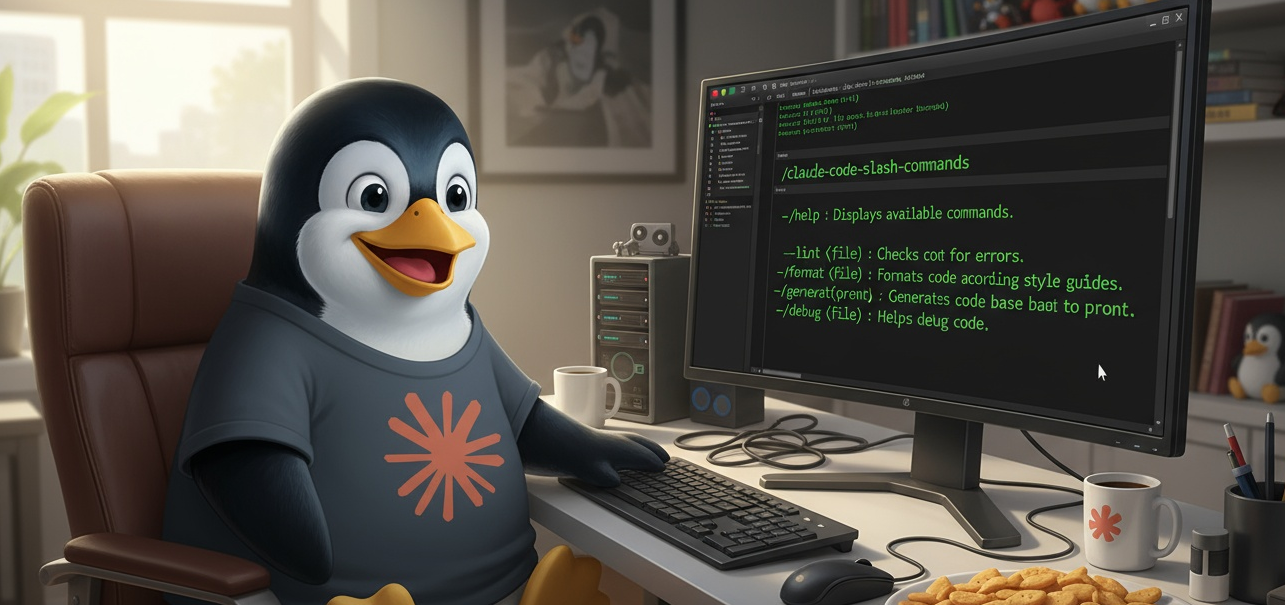
wshobson's production slash command library — /analyze, /optimize, /document, /test, /review, and more. Clean, composable commands for everyday engineering.
slash-commandsanalyzeoptimize
Plugins
RuleSync
Sync Claude Code rules across multiple projects — maintain a single source-of-truth CLAUDE.md and push updates to all your repos with one command.
rulessyncclaude-md
Configs
Awesome Claude Plugins
Curated registry tracking adoption metrics, stars, and versions of trending plugins, commands, and hooks.
registryawesome-listmetrics
Agents
Claude Command Suite
qdhenry's all-in-one agent + command collection — pre-built sub-agents paired with slash commands for a complete Claude Code workflow out of the box.
agentscommandsworkflow
Commands
Claude Sessions
iannuttall's session management commands — save and restore Claude Code conversation state, tag sessions by project, and resume work exactly where you left off.
sessionsstateresume
Mods
Launch Codes
Interactive confirmation and one-time authorization codes for destructive or high-risk terminal commands.
safetyguardrailsconfirmation
Commands
Scopecraft Command
Task-based slash commands for structured feature development — /create-task, /list-tasks, /next-task drive a disciplined workflow from spec to implementation.
task-managementstructuredfeature-development
Commands
PRD Generator
Slash command that generates a full Product Requirements Document from a short prompt — includes goals, user stories, technical constraints, success metrics, and open questions.
prdproductuser-stories
Commands
artemgetmann Slash Commands
Artemgetmann's slash commands for rapid development — scaffold generators, boilerplate creators, and refactoring helpers for TypeScript and Python projects.
scaffoldboilerplaterefactoring
Commands
Linux Desktop Commands
Desktop integration slash commands for Linux — open files in apps, show system notifications, interact with the system tray, and control apps from Claude Code.
linuxdesktopnotifications
Commands
Todo Command
Simple /todo command that manages a session todo list within Claude Code — add, complete, and list tasks inline without leaving your coding flow.
todotask-listproductivity
Commands
Daniel Rosehill Slash Commands
danielrosehill's practical slash commands for content creators and technical writers — outline generators, SEO optimizers, and document formatter commands.
contentwritingseo
Agents
PHP Claude Agents
Specialized Claude Code agents for PHP and Laravel development — Eloquent ORM expert, Artisan command generator, and PHPUnit test writer agents.
phplaraveleloquent
Commands
Spec to Code
michael-borck's /spec-to-code command — paste a feature spec and Claude generates a fully structured implementation plan with TDD anchors and acceptance criteria.