Search for a command to run...
8 listings
A concise weekly digest of newly verified Claude Code mods, copy-paste install commands, and static permission summaries. Unsubscribe anytime.
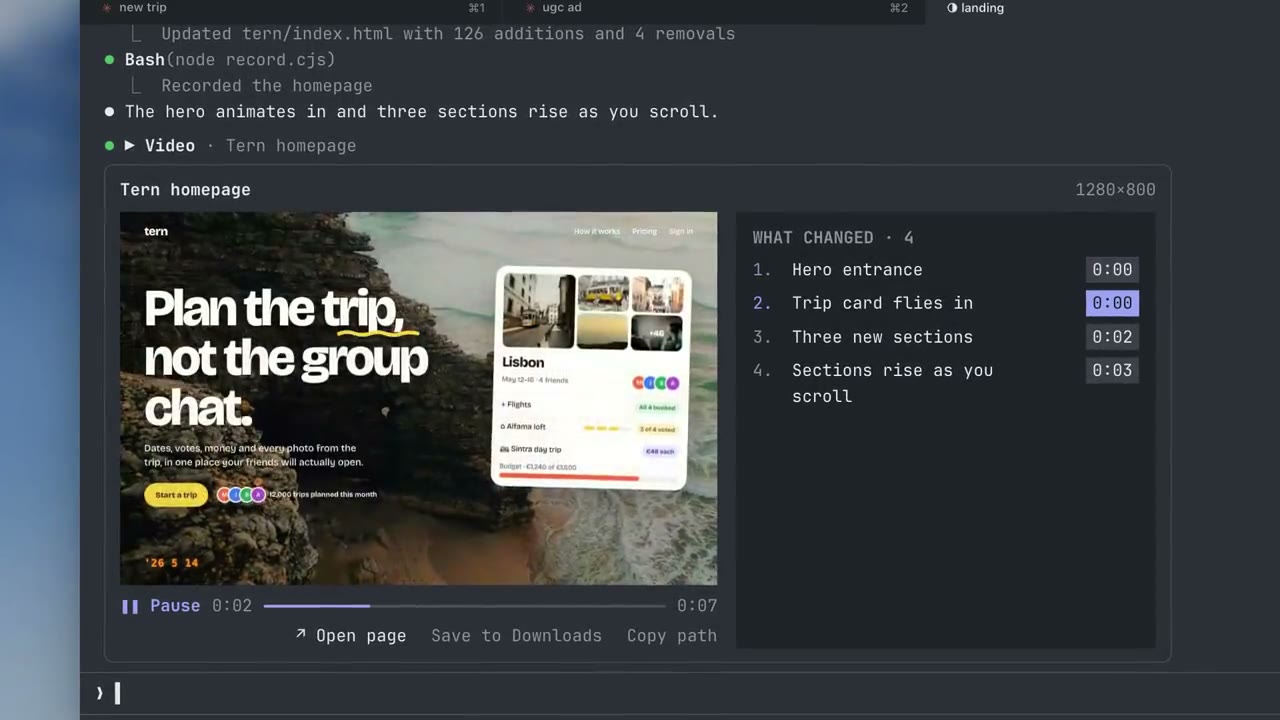
Claude Code plugin to see, review and iterate on your agent's work without leaving the terminal: show images, play videos, and run visual QA with Playwright recordings and before/after comparisons inside the Claude Code terminal. Works in any terminal that supports the kitty graphics protocol, fully cross-platform on macOS, Linux and Windows.
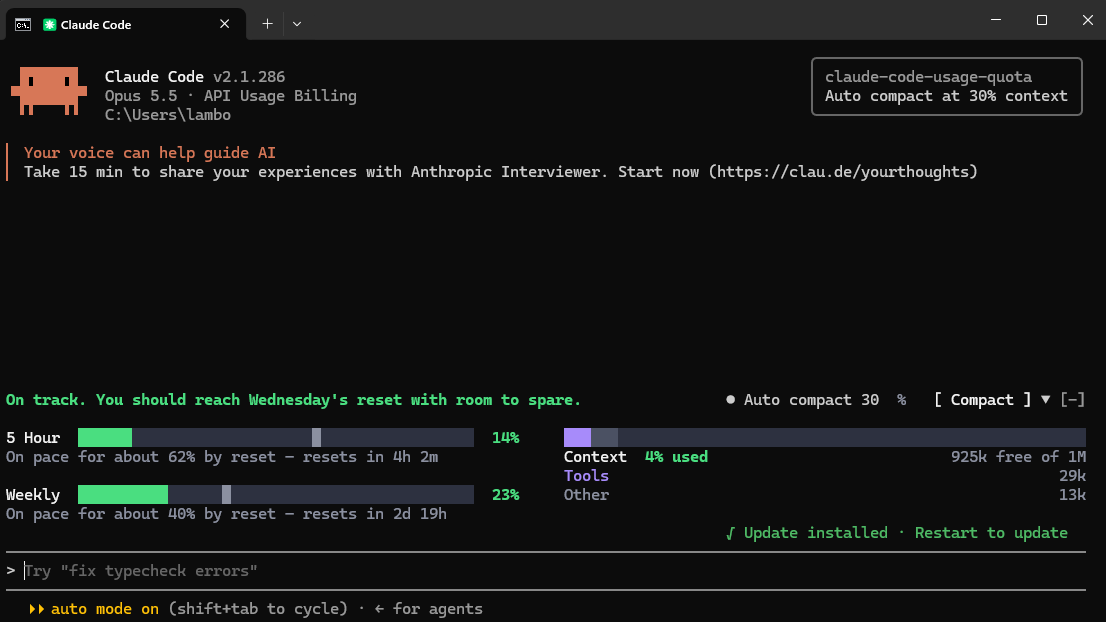
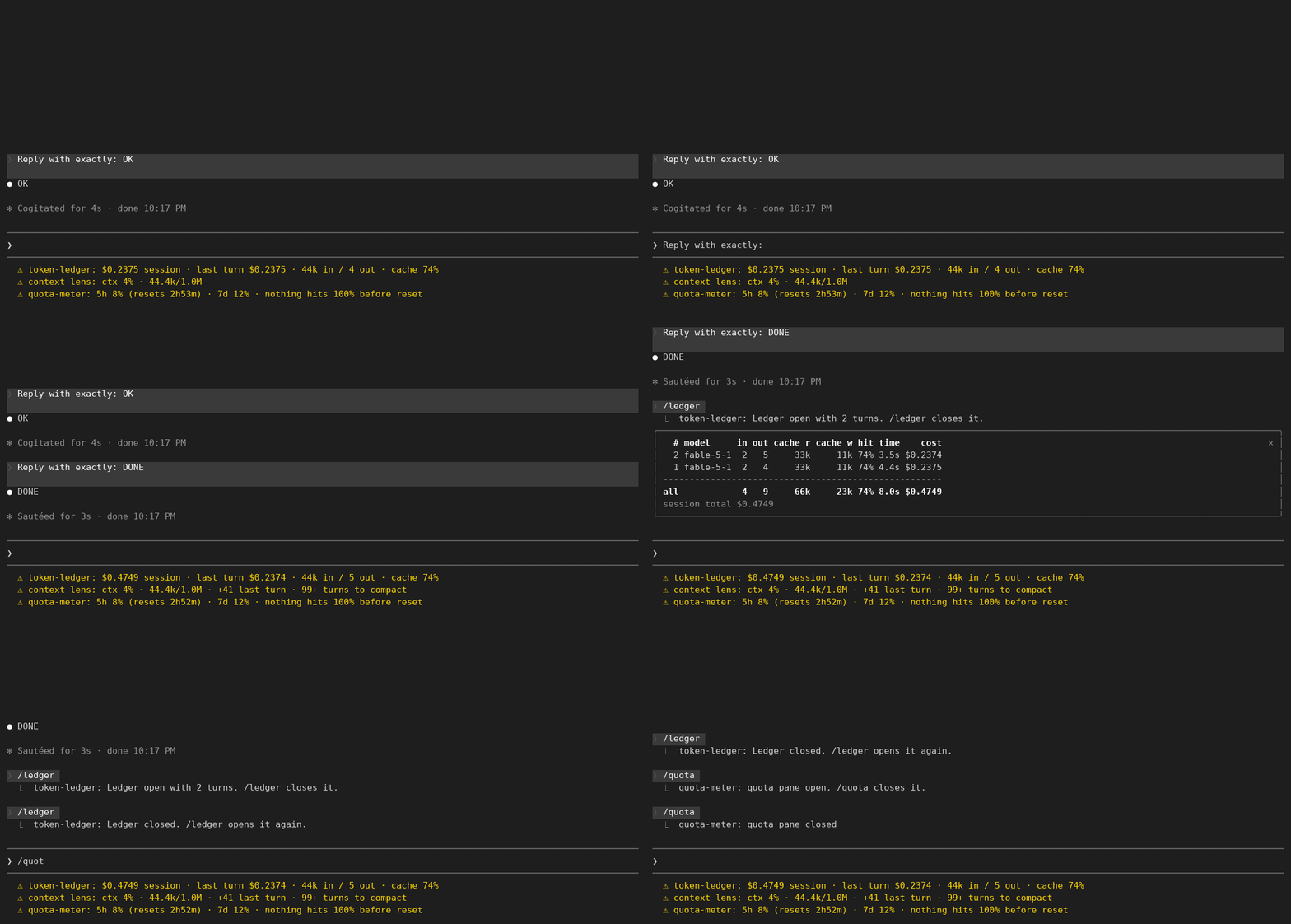
Know your Claude limits before they hit you (Live band above the Claude Code prompt): 5 Hour and Weekly usage (whole account) with a live usage forecast against limit resets, context window usage, one-click Compact and per-session Auto compact (30% default).
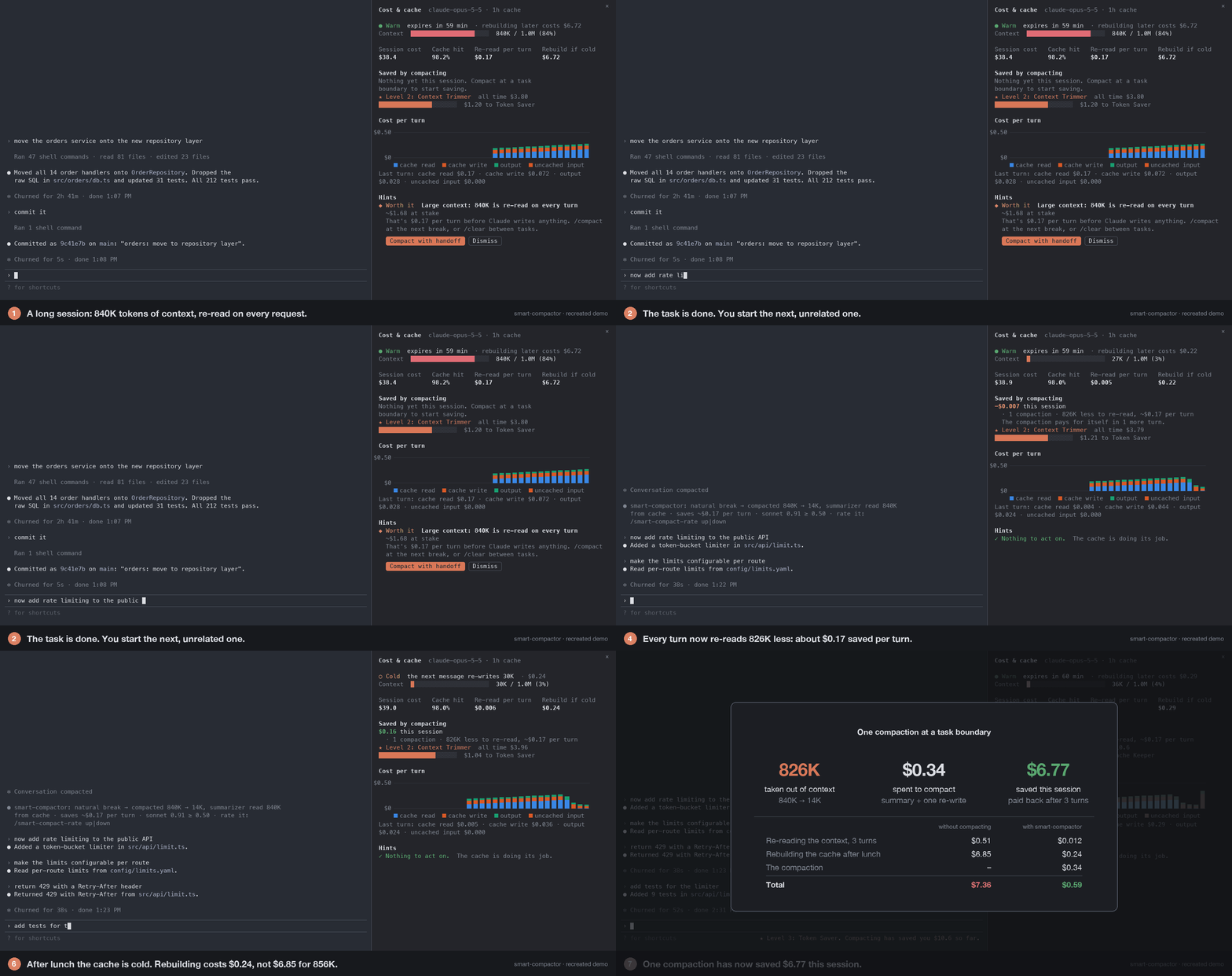
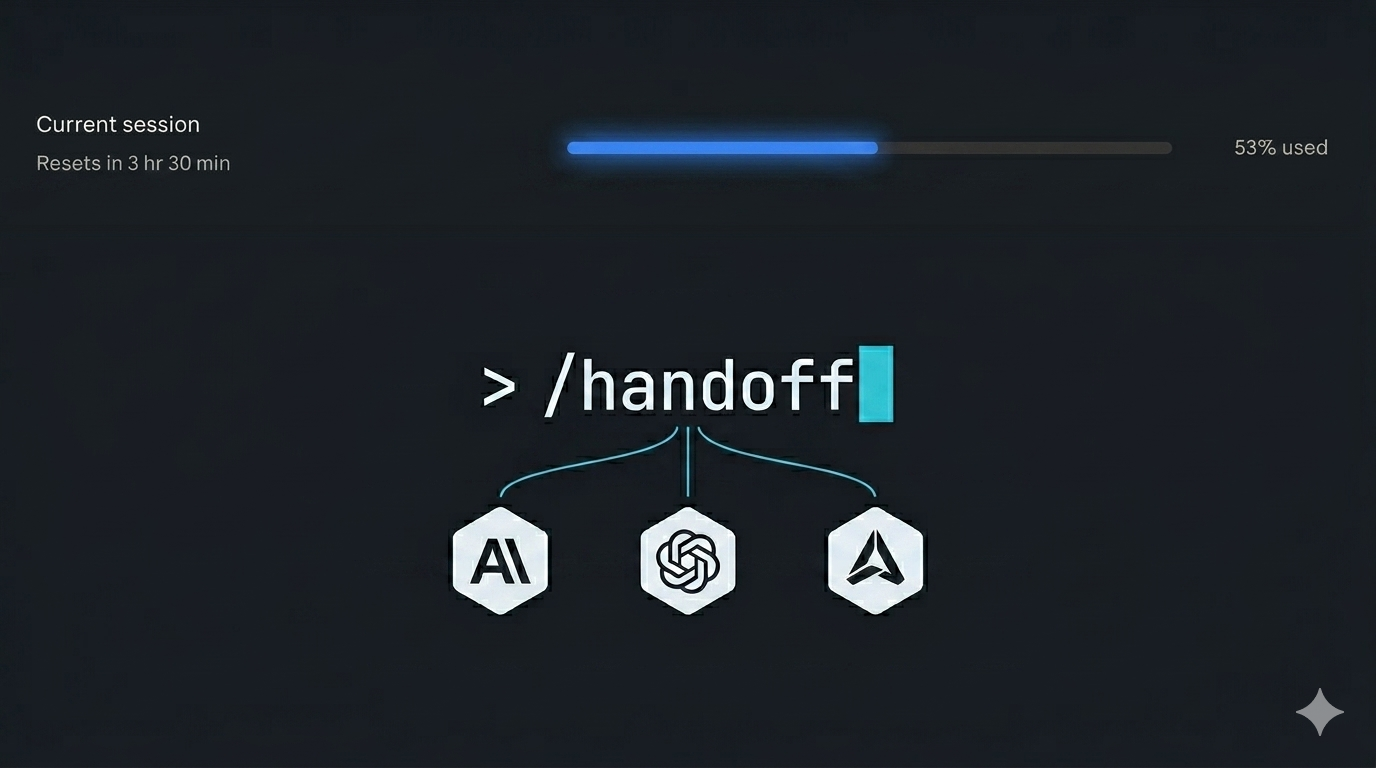
smart-compactor is compacting your session at task boundaries instead of mid-task or when the window is full. A Sonnet judge reads your next prompt, decides whether a new task is starting, and compacts with a handoff summary while the cache is still warm. It learns from your 👍/👎 and adds a live cost & cache panel. In a replay of my own sessions it cut cost by ~33%.
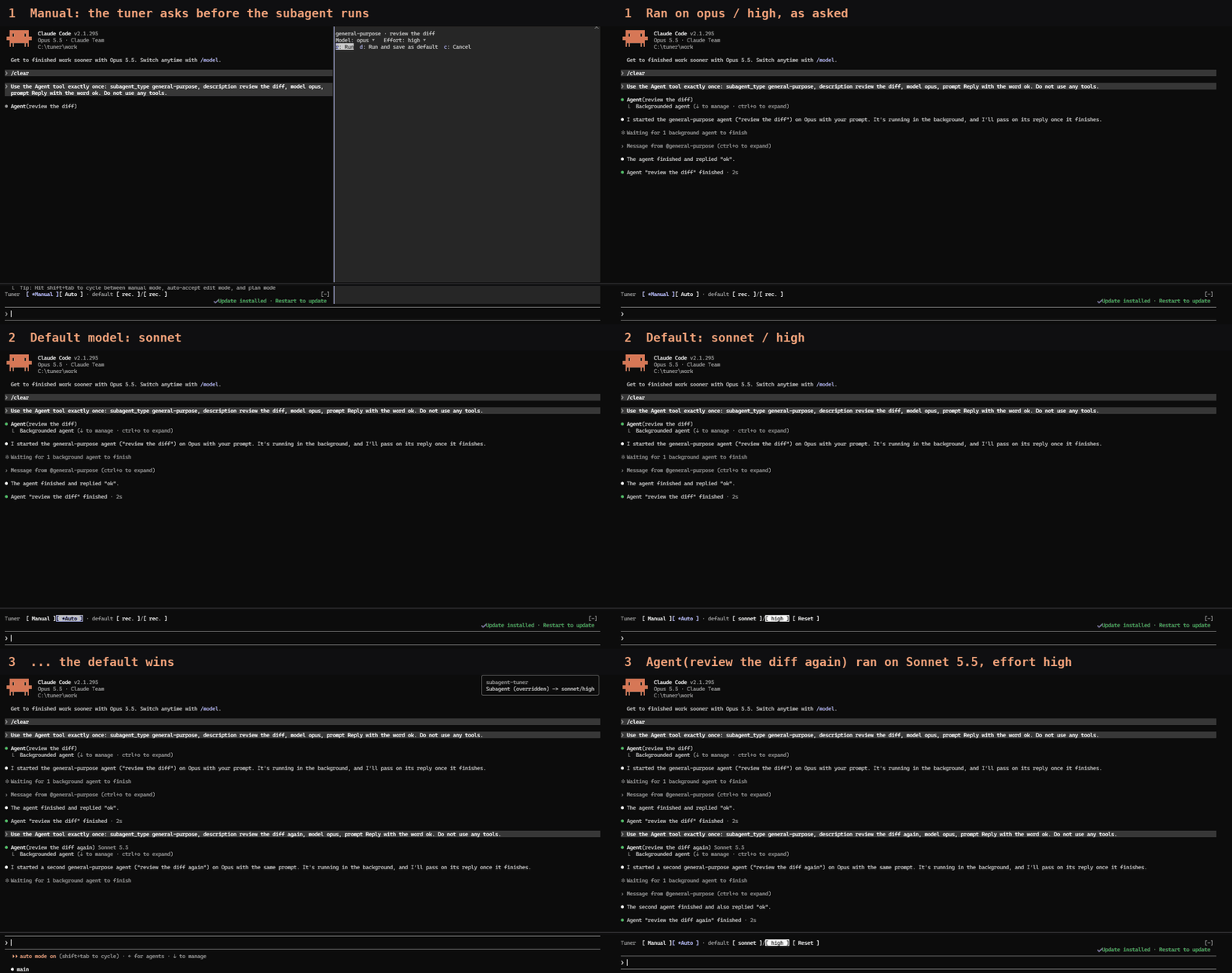
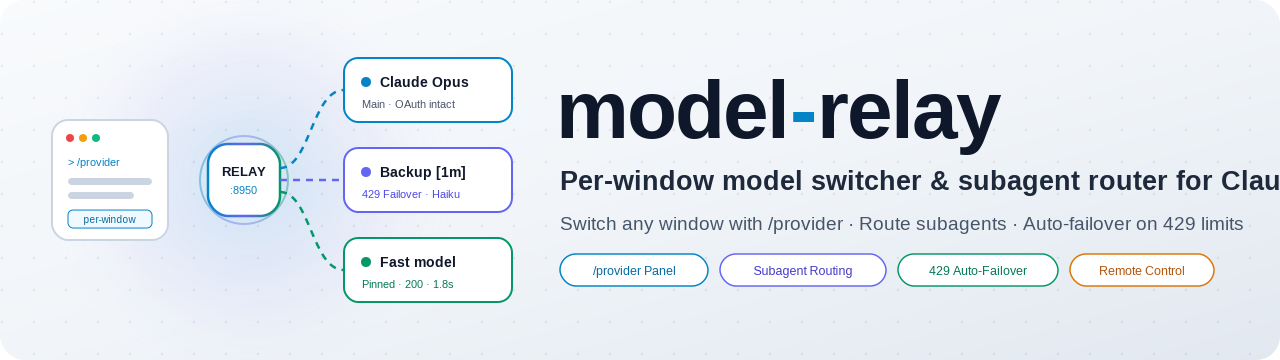
For anyone running Claude Code with many subagents. Choose which model and reasoning effort each subagent uses: Manual asks before every launch in a pick pane or dialog, Auto applies your saved default even over the model the agent requested. Recommends by task kind when no default is set. No network calls; macOS, Linux, Windows.
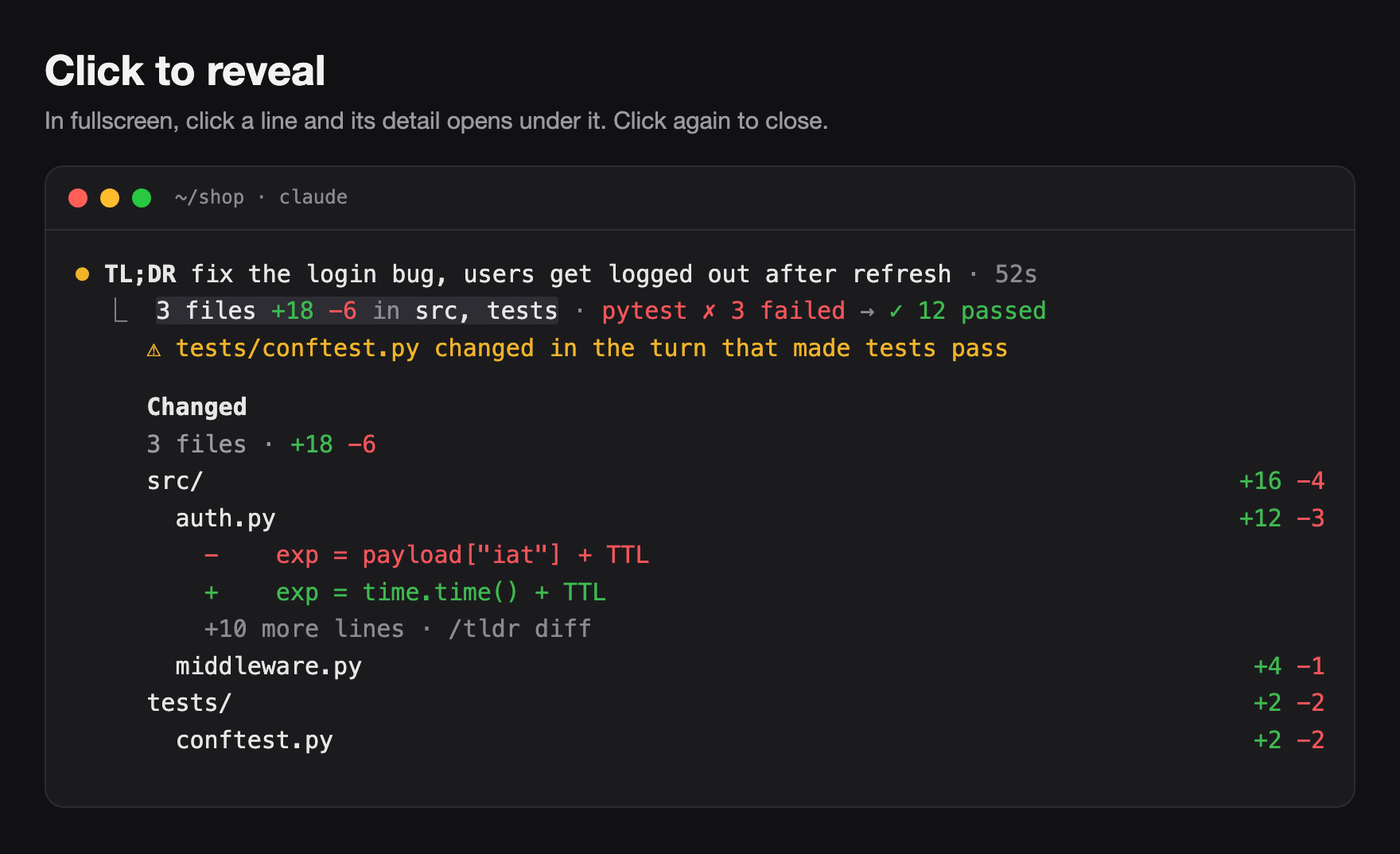
Folds each Claude Code turn into one card: files changed, tests before and after, and what Claude read. A Check row flags what to verify before you trust the result, like a test file edited in the turn that made tests pass, writes outside the project, deletes, skip markers, --no-verify and force pushes. Also a context bar and a live progress line. No network calls. MIT.

The Doomguy from DOOM's status bar lives in Claude Code's footer and reacts to your session: he grits his teeth while tools run, glances around while waiting for your permission, winces on errors and grins when a turn ends. His health follows your context window, getting bloodier as it fills up. Requires kitty or Ghostty.
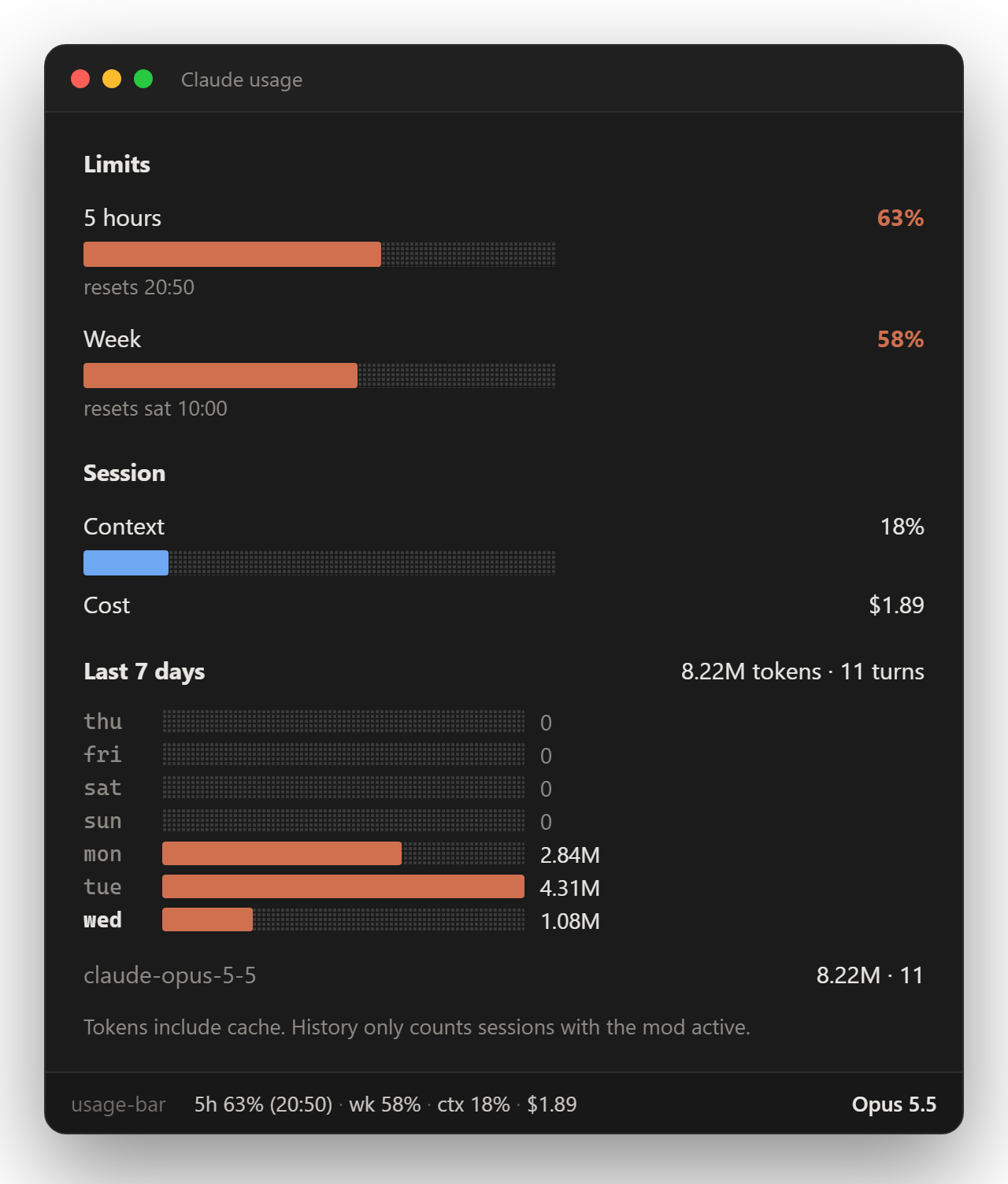
Keeps your Claude usage in view: 5-hour and weekly rate limits with reset times, context fill and session cost in the status line, plus a /usage-bar pane with a 7-day token history and per-model breakdown. Toast when the 5h window passes 90%. English and pt-BR. Only observes session events; no network, no processes. For Pro/Max users who want to pace their quota.

Turns the Claude Code desktop app into a pixel-art city at night. A tower room sits beside your chat, where Red Code, a small crimson program, acts out what your session is doing: reading, editing, running commands, searching the web, waiting on you. Helpers appear when agents run. Click the room to play. Windows, dark mode.
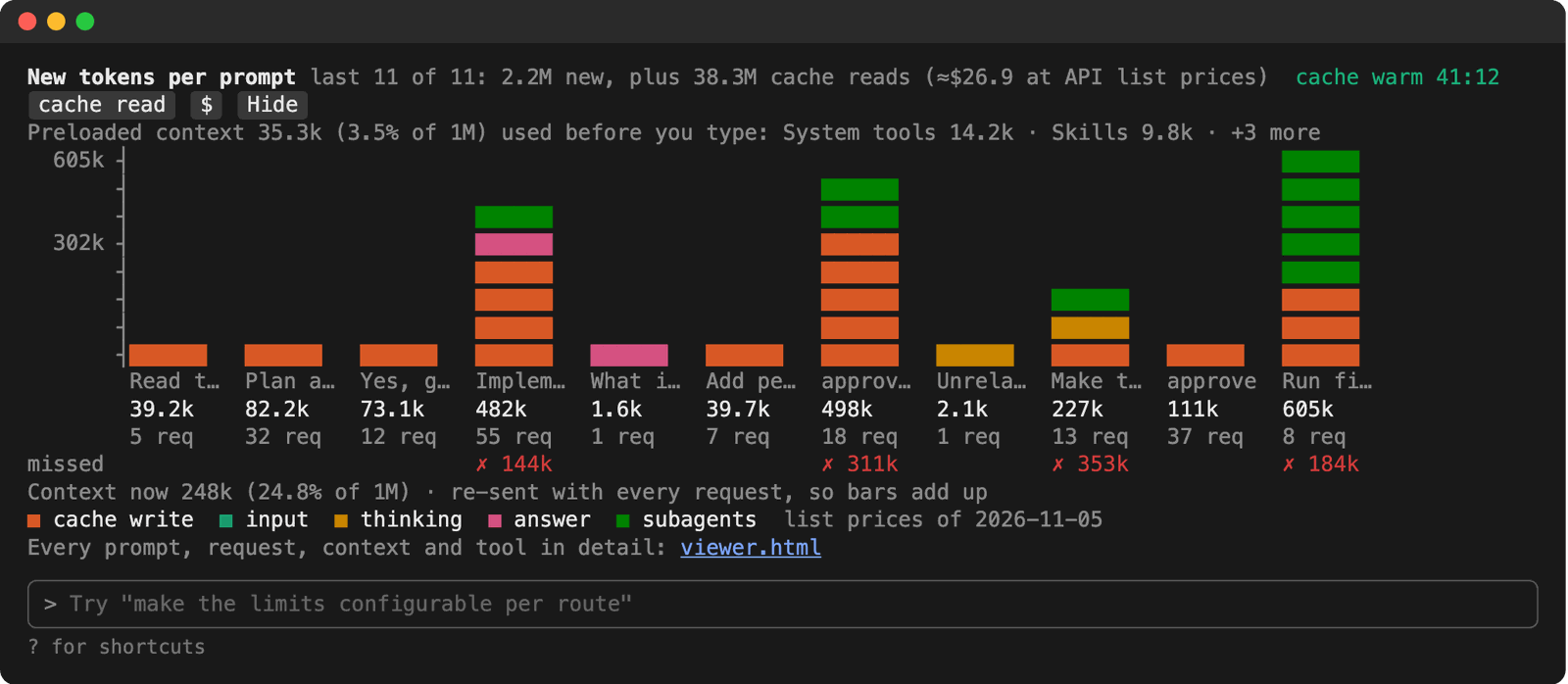
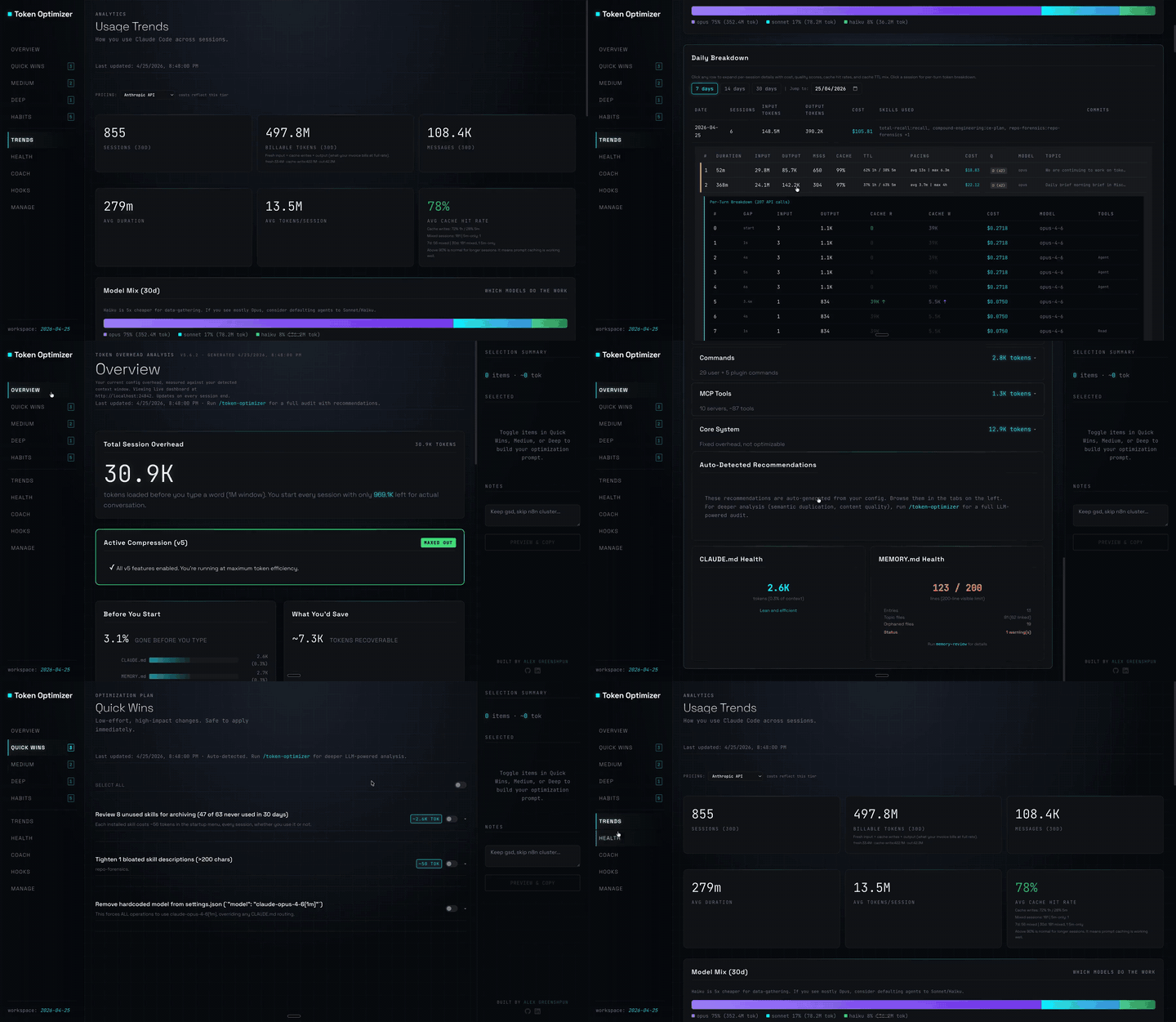
See where your Claude Code tokens go, prompt by prompt. A live chart above the prompt splits each one into new input, cache writes, cache reads, thinking, output and subagents, marks prompt-cache misses, counts down to a cold cache and shows the API list-price cost in dollars. An offline viewer breaks down every session from local JSONL logs. Nothing leaves your machine. Terminal, desktop app and VS Code; macOS, Linux and Windows.

A Minecraft-style HUD above your Claude Code prompt: hearts show your 5-hour session limit, drumsticks show your weekly limit, and the XP bar and level show how full your context window is. Drawn as real pixel art in Ghostty and kitty, with a text fallback elsewhere. /hud toggles it. Needs a Claude subscription for limits.

Cabina is a clean side pane for Claude Code that shows what your session is doing at a glance: context window, 5-hour and 7-day rate limits with reset countdowns, session cost and spend per hour, activity, trends, edited files and git status. 11 themes with dark and light palettes checked for WCAG contrast, an optional painted background, any language, and every section can be hidden. For anyone who wants their usage in view without the clutter.