
Claude Code Security Review Action
Official Anthropic GitHub Action for automated security review — Claude scans every PR for vulnerabilities, secrets exposure, and OWASP top 10 issues.
Claude Code Security Reviewer
An AI-powered security review GitHub Action using Claude to analyze code changes for security vulnerabilities. This action provides intelligent, context-aware security analysis for pull requests using Anthropic's Claude Code tool for deep semantic security analysis. See our blog post here for more details.
Features
- AI-Powered Analysis: Uses Claude's advanced reasoning to detect security vulnerabilities with deep semantic understanding
- Diff-Aware Scanning: For PRs, only analyzes changed files
- PR Comments: Automatically comments on PRs with security findings
- Contextual Understanding: Goes beyond pattern matching to understand code semantics
- Language Agnostic: Works with any programming language
- False Positive Filtering: Advanced filtering to reduce noise and focus on real vulnerabilities
Quick Start
Add this to your repository's .github/workflows/security.yml:
name: Security Review

permissions:
  pull-requests: write  # Needed for leaving PR comments
  contents: read

on:
  pull_request:

jobs:
  security:
    runs-on: ubuntu-latest
    steps:
      - uses: actions/checkout@v4
        with:
          ref: ${{ github.event.pull_request.head.sha || github.sha }}
          fetch-depth: 2

      - uses: anthropics/claude-code-security-review@main
        with:
          comment-pr: true
          claude-api-key: ${{ secrets.CLAUDE_API_KEY }}
Security Considerations
This action is not hardened against prompt injection attacks and should only be used to review trusted PRs. We recommend configuring your repository to use the "Require approval for all external contributors" option to ensure workflows only run after a maintainer has reviewed the PR.
Configuration Options
Action Inputs
| Input | Description | Default | Required |
|---|---|---|---|
claude-api-key | Anthropic Claude API key for security analysis. Note: This API key needs to be enabled for both the Claude API and Claude Code usage. | None | Yes |
comment-pr | Whether to comment on PRs with findings | true | No |
upload-results | Whether to upload results as artifacts | true | No |
exclude-directories | Comma-separated list of directories to exclude from scanning | None | No |
claude-model | Claude model name to use. Defaults to Opus 4.1. | claude-opus-4-1-20250805 | No |
claudecode-timeout | Timeout for ClaudeCode analysis in minutes | 20 | No |
run-every-commit | Run ClaudeCode on every commit (skips cache check). Warning: May increase false positives on PRs with many commits. | false | No |
false-positive-filtering-instructions | Path to custom false positive filtering instructions text file | None | No |
custom-security-scan-instructions | Path to custom security scan instructions text file to append to audit prompt | None | No |
Action Outputs
| Output | Description |
|---|---|
findings-count | Total number of security findings |
results-file | Path to the results JSON file |
How It Works
Architecture
claudecode/
├── github_action_audit.py  # Main audit script for GitHub Actions
├── prompts.py              # Security audit prompt templates
├── findings_filter.py      # False positive filtering logic
├── claude_api_client.py    # Claude API client for false positive filtering
├── json_parser.py          # Robust JSON parsing utilities
├── requirements.txt        # Python dependencies
├── test_*.py               # Test suites
└── evals/                  # Eval tooling to test CC on arbitrary PRs
Workflow
- PR Analysis: When a pull request is opened, Claude analyzes the diff to understand what changed
- Contextual Review: Claude examines the code changes in context, understanding the purpose and potential security implications
- Finding Generation: Security issues are identified with detailed explanations, severity ratings, and remediation guidance
- False Positive Filtering: Advanced filtering removes low-impact or false positive prone findings to reduce noise
- PR Comments: Findings are posted as review comments on the specific lines of code
Security Analysis Capabilities
Types of Vulnerabilities Detected
- Injection Attacks: SQL injection, command injection, LDAP injection, XPath injection, NoSQL injection, XXE
- Authentication & Authorization: Broken authentication, privilege escalation, insecure direct object references, bypass logic, session flaws
- Data Exposure: Hardcoded secrets, sensitive data logging, information disclosure, PII handling violations
- Cryptographic Issues: Weak algorithms, improper key management, insecure random number generation
- Input Validation: Missing validation, improper sanitization, buffer overflows
- Business Logic Flaws: Race conditions, time-of-check-time-of-use (TOCTOU) issues
- Configuration Security: Insecure defaults, missing security headers, permissive CORS
- Supply Chain: Vulnerable dependencies, typosquatting risks
- Code Execution: RCE via deserialization, pickle injection, eval injection
- Cross-Site Scripting (XSS): Reflected, stored, and DOM-based XSS
False Positive Filtering
The tool automatically excludes a variety of low-impact and false positive prone findings to focus on high-impact vulnerabilities:
- Denial of Service vulnerabilities
- Rate limiting concerns
- Memory/CPU exhaustion issues
- Generic input validation without proven impact
- Open redirect vulnerabilities
The false positive filtering can also be tuned as needed for a given project's security goals.
Benefits Over Traditional SAST
- Contextual Understanding: Understands code semantics and intent, not just patterns
- Lower False Positives: AI-powered analysis reduces noise by understanding when code is actually vulnerable
- Detailed Explanations: Provides clear explanations of why something is a vulnerability and how to fix it
- Adaptive Learning: Can be customized with organization-specific security requirements
Installation & Setup
GitHub Actions
Follow the Quick Start guide above. The action handles all dependencies automatically.
Local Development
To run the security scanner locally against a specific PR, see the evaluation framework documentation.
Claude Code Integration: /security-review Command
By default, Claude Code ships a /security-review slash command that provides the same security analysis capabilities as the GitHub Action workflow, but integrated directly into your Claude Code development environment. To use this, simply run /security-review to perform a comprehensive security review of all pending changes.
Customizing the Command
The default /security-review command is designed to work well in most cases, but it can also be customized based on your specific security needs. To do so:
- Copy the
security-review.mdfile from this repository to your project's.claude/commands/folder. - Edit
security-review.mdto customize the security analysis. For example, you could add additional organization-specific directions to the false positive filtering instructions.
Custom Scanning Configuration
It is also possible to configure custom scanning and false positive filtering instructions, see the docs/ folder for more details.
Testing
Run the test suite to validate functionality:
cd claude-code-security-review
# Run all tests
pytest claudecode -v
Support
For issues or questions:
- Open an issue in this repository
- Check the GitHub Actions logs for debugging information
License
MIT License - see LICENSE file for details.
More Ide-plugins

Crystal
Visual multi-agent Claude Code client by Stravu — run parallel Claude Code sessions side by side, compare outputs with a diff viewer, and merge the best parts.
claudecode.nvim (Coder)
Official Coder Neovim plugin for Claude Code — native nvim integration with terminal splits, file context injection, selection-aware prompts, and LSP integration.
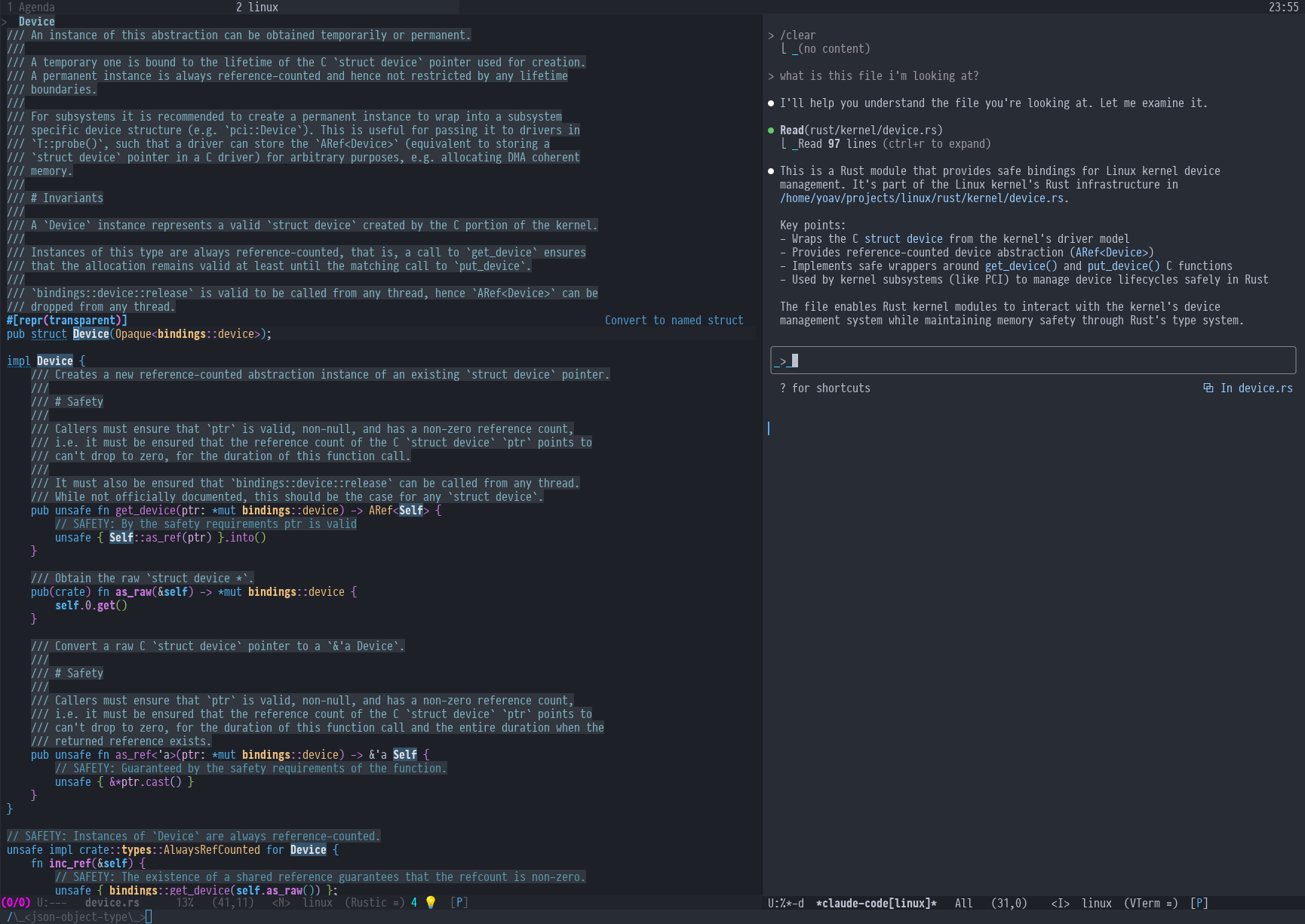
claude-code-ide.el
Project-aware Emacs IDE integration for Claude Code — injects project context, active buffer, and LSP diagnostics into Claude automatically for smarter suggestions.