
claude-status
Minimalist CLI status line showing real-time token usage and costs for the current session and week.
claude-status
A rich status line for Claude Code written in Rust. Shows model info, context window usage, git branch, session duration, and rate limit consumption at a glance.
Claude Sonnet 4 │ 💬 23% │ my-project (main*) │ ⏱ 1h 23m │ ⚡ default

current ▰▰▱▱▱▱▱▱▱▱  23% ⟳ 3:30pm
weekly  ▰▰▰▰▱▱▱▱▱▱  45% ⟳ Mar 19, 12:00am
extra   ▰▱▱▱▱▱▱▱▱▱ $5.00/$50.00
Features
- Model name and context window usage percentage
- Project directory with git branch and dirty indicator
- Session duration
- Effort level
- 5-hour (current) and 7-day (weekly) rate limit bars with color coding
- Extra/paid usage credits display
- Single static binary — no runtime dependencies
Install
curl -fsSL https://raw.githubusercontent.com/rockia/claude-status/main/scripts/install.sh | bash
Uninstall
~/.claude/claude-status uninstall
Configuration
Run ~/.claude/claude-status config with no arguments to open an interactive checklist where you can toggle display items on/off:
Display items (space to toggle, enter to save):
  [x] effort_level
  [x] context_bar
  [x] rate_limit_current
  [x] rate_limit_weekly
  [x] rate_limit_extra
  [ ] cost
  [x] git_info
  [x] duration
  [x] model_name
Use arrow keys to navigate, space to toggle, enter to save. Ctrl-C exits without saving.
You can also manage config non-interactively:
~/.claude/claude-status config list                        # show current visibility for all items
~/.claude/claude-status config set <item> show|hide        # toggle a single item
~/.claude/claude-status config reset                       # restore all defaults
Available items: effort_level, context_bar, rate_limit_current, rate_limit_weekly, rate_limit_extra, cost, git_info, duration, model_name
Config is stored at ~/.config/ccsl/config.toml. All items default to visible — deleting the file restores defaults.
How It Works
Claude Code pipes a JSON context object to the status line command's stdin. This binary parses that context, fetches rate limit data from the Anthropic OAuth usage API (cached for 60 seconds), and outputs a formatted multi-line status.
Rate limit colors:
- Green: < 50%
- Orange: 50-69%
- Yellow: 70-89%
- Red: >= 90%
Building from Source
cargo build --release
./target/release/claude-status install
License
MIT
More Plugins
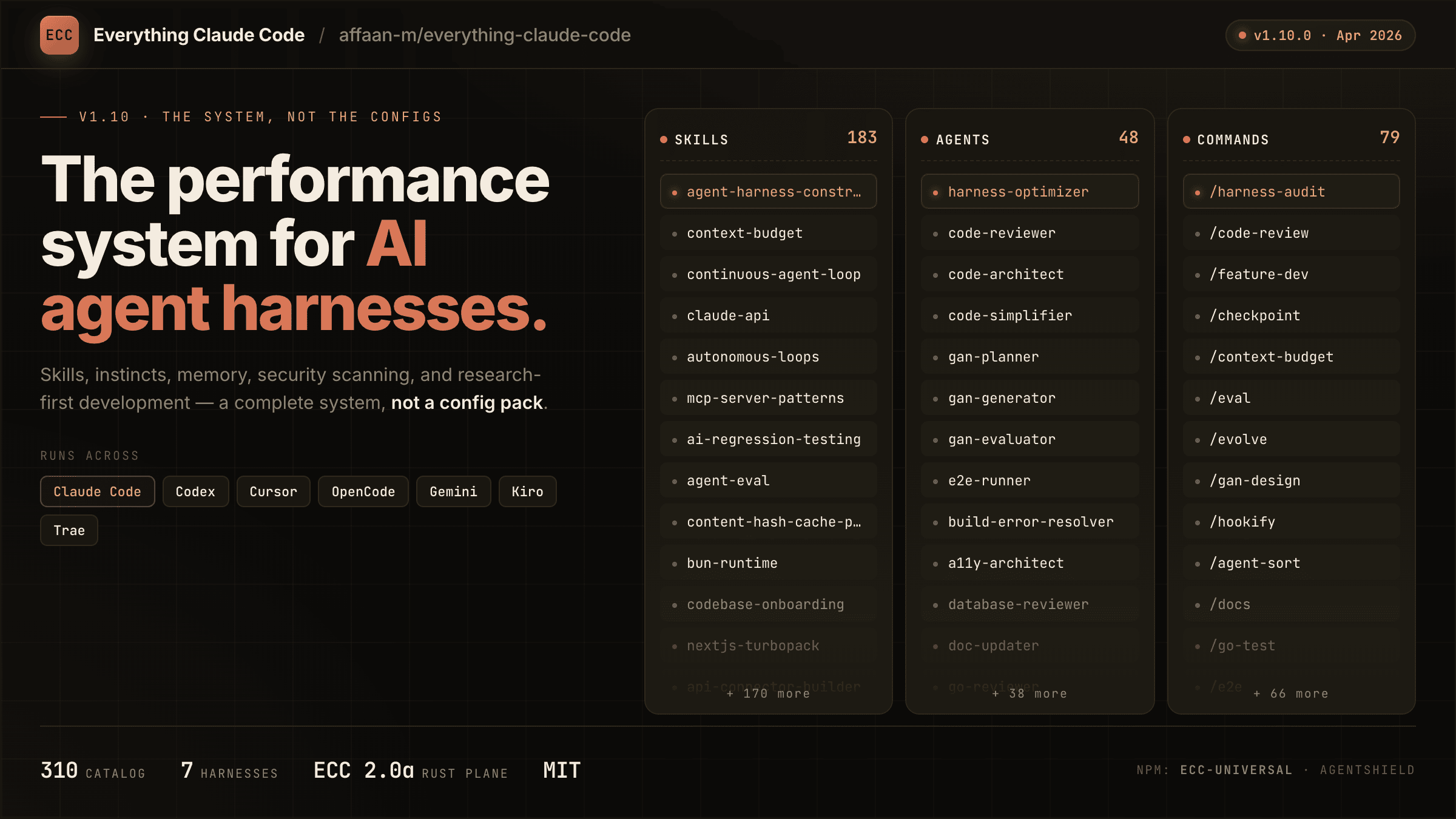
everything-claude-code
A comprehensive bundle of Claude Code optimizations: hooks, commands, CLAUDE.md configs, MCP setups, and workflow automations — everything you need in one repo.
Claude Supermemory
supermemoryai's persistent memory plugin for Claude Code — automatically indexes your codebases, conversations, and notes for semantic search across all sessions.

Claude Code Tools
CLI session utilities for Claude Code including tmux terminal integration, history wrappers, and automation helpers.