
CLAUDE.md Loader
Python utility that allows splitting CLAUDE.md into modular rules with @import syntax and YAML frontmatter.
claudemd-loader
A library that implements the CLAUDE.md conventions to ease loading prompts and project context for AI coding assistants.
License
MIT License - see LICENSE for details.
Overview
This library provides utilities for loading file content using CLAUDE.md conventions. It does not perform AI operations itself - it focuses solely on loading and organizing project context according to the CLAUDE.md specification.
Project Goals
The primary goal of this project is to provide an alternative implementation of the CLAUDE.md conventions established by Claude Code. By offering a standalone, well-documented library that follows these conventions, we aim to:
- Enable adoption by alternative AI coding agents - Any coding assistant can implement these conventions, not just Claude Code
- Establish common standards - Create interoperability between different AI coding tools through shared conventions
- Promote best practices - Demonstrate how to properly implement features like:
- YAML frontmatter for conditional loading
- Project context search locations (
~/.claude/projects/<project>/) - Memory integration (
~/.claude/projects/<project>/memory/) - Import syntax and recursive file loading
- RAG Support: Semantic chunking of context files with overlap for vector databases
By following the conventions edicted by Claude Code, implementers of alternative coding agents can provide a consistent user experience and leverage the same project structure patterns.
Usage
For detailed usage examples and API documentation, see USAGE.md.
What is CLAUDE.md?
CLAUDE.md is a convention for structuring project instructions and context for Claude AI assistants. It allows you to define rules, import files, and scope instructions to specific parts of your project.
YAML Frontmatter
YAML frontmatter is an optional metadata block placed at the top of .md files in .claude/rules/, delimited by ---. It enables conditional scoping of rules to specific file paths.
Features
- Optional: Not requiredif absent, the rule loads unconditionally
- Conditional Loading: Only applies rules when working with matching file paths
- Modular Organization: Makes rules more specific and maintainable
Example
---
paths:
  - "src/api/**/*.ts"
---
# API Development Rules

- All API endpoints must include input validation
- Use the standard error response format
- Include OpenAPI documentation comments
When the paths: field is present, Claude only loads the rule file when working with files matching those patterns. If the field is missing, the rule applies to all tasks.
Using with claudemd-loader: Pass relevant file paths via the context_files parameter to load_claudemd() to enable conditional loading:
from claudemd_loader import ClaudeMdLoaderContext

ctx = ClaudeMdLoaderContext("/path/to/project")
# Load only rules relevant to API files
content = ctx.load_claudemd(context_files=["src/api/users.py"])
Multi-File Loading
The library automatically loads and concatenates CLAUDE.md files from multiple conventional locations. This allows you to layer context from user-wide preferences down to project-specific details.
Loading Order
Files are loaded in this specific order (if they exist):
- User global:
~/.claude/CLAUDE.md- Personal preferences for all projects - Project-specific user:
~/.claude/projects/<project-name>/CLAUDE.md- Project context at user level - Project root:
<project_dir>/CLAUDE.md- Main project context (checked into git) - Project .claude directory:
<project_dir>/.claude/CLAUDE.md- Alternative project location (checked into git) - Project rules:
<project_dir>/.claude/rules/**/*.md- Scoped rules loaded recursively (checked into git) - Local personal:
<project_dir>/CLAUDE.local.md- Personal notes (not in git) - Extra files: Via
extra_claude_filesparameter - Explicitly specified files
All existing files are loaded and concatenated with double newlines (\n\n) between them.
Note: Rule files in .claude/rules/ are loaded recursively in alphabetical order. They support YAML frontmatter with paths: patterns to conditionally load based on context_files.
Example
from claudemd_loader import ClaudeMdLoaderContext

ctx = ClaudeMdLoaderContext("/path/to/myproject")

# Loads ALL existing files in order
content = ctx.load_claudemd()

# Optionally specify additional files to load after conventional ones
extra_content = ctx.load_claudemd(
    extra_claude_files=["docs/api-guide.md", "docs/style-guide.md"]
)
Use Cases
This layered approach supports different use cases:
- User global (
~/.claude/CLAUDE.md): Your personal coding standards, preferred tools, and conventions - Project-specific user (
~/.claude/projects/<project>/): Project notes and instructions stored separately - Project root (
./CLAUDE.md): Team-shared project context (version controlled) - Project .claude (
./.claude/CLAUDE.md): Alternative location for shared project context - Project rules (
./.claude/rules/**/*.md): Modular, scoped rules organized by topic (e.g.,api/,database/,frontend/) - Local personal (
./CLAUDE.local.md): Your private notes and overrides (add to.gitignore) - Extra files: Session-specific documentation or guidelines
Project Name
The <project-name> used for ~/.claude/projects/<project-name>/ is automatically derived from the project directory name. You can override this:
# Default: uses directory name
ctx = ClaudeMdLoaderContext("/path/to/myproject")  # project name = "myproject"

# Custom: specify project name explicitly
ctx = ClaudeMdLoaderContext("/path/to/myproject", project_name="shared-context")
Claude Code Memory Integration
Claude Code can write session notes to ~/.claude/projects/<project-name>/memory/MEMORY.md. When enabled, the library can automatically load these notes into your context.
Usage:
from claudemd_loader import ClaudeMdLoaderContext

# Memory loading is enabled by default
ctx = ClaudeMdLoaderContext("/path/to/project")
content = ctx.load_claudemd()

# Or explicitly disable it
ctx = ClaudeMdLoaderContext("/path/to/project", use_memory=False)
Features:
- Enabled by default: Set
use_memory=Falseto disable - First 200 lines: Only the first 200 lines of MEMORY.md are loaded
- Prepended content: Memory content appears before the main CLAUDE.md content
- Graceful handling: Missing MEMORY.md files are silently ignored
This feature is designed to work with Claude Code's automatic note-taking functionality, allowing you to maintain session context across conversations.
Import Syntax
The CLAUDE.md convention supports importing additional files using the @ prefix syntax:
@path/to/file
Supported Import Paths
- Relative paths:
@README - Subdirectories:
@docs/git-instructions.md - Package files:
@package.json - Home directory:
@~/.claude/my-project-instructions.md
Import Rules
| Location | Allowed? | Notes |
|---|---|---|
| Normal text | Yes | Fully processed |
| Markdown lists | Yes | Treated as normal text |
| Headings | Yes | Treated as normal text |
| Code blocks | No | Not evaluated |
| Inline code | No | Not evaluated |
Important: Imports are recursively loaded up to 5 levels deep.
Valid Import Examples
# Project Overview
See @README for a full description.

## Build Instructions
Refer to @docs/build.md for setup steps.
Invalid Import Examples
Imports do not work inside code blocks or inline code spans:
```
Run the build script:
@docs/build.md
```
Or within inline code:
Use the `@docs/api.md` file for API documentation.
References
This documentation incorporates information from:
- The Ultimate Guide to CLAUDE.md - buildcamp.io
- Notes on CLAUDE.md Structure and Best Practices - callmephilip.com
More Plugins
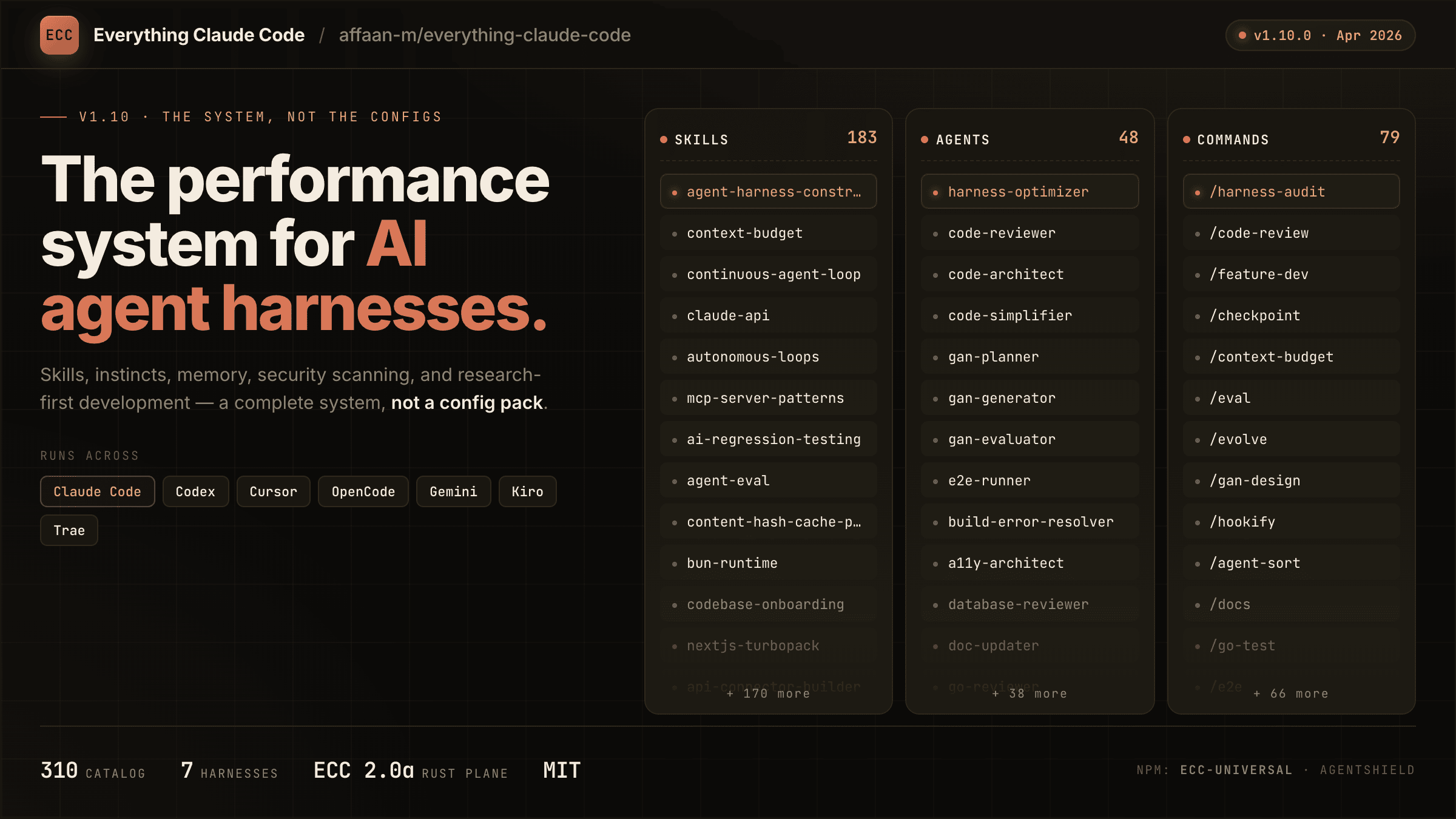
everything-claude-code
A comprehensive bundle of Claude Code optimizations: hooks, commands, CLAUDE.md configs, MCP setups, and workflow automations — everything you need in one repo.
Claude Supermemory
supermemoryai's persistent memory plugin for Claude Code — automatically indexes your codebases, conversations, and notes for semantic search across all sessions.

Claude Code Tools
CLI session utilities for Claude Code including tmux terminal integration, history wrappers, and automation helpers.