Search for a command to run...
31 listings
A concise weekly digest of newly verified Claude Code mods, copy-paste install commands, and static permission summaries. Unsubscribe anytime.
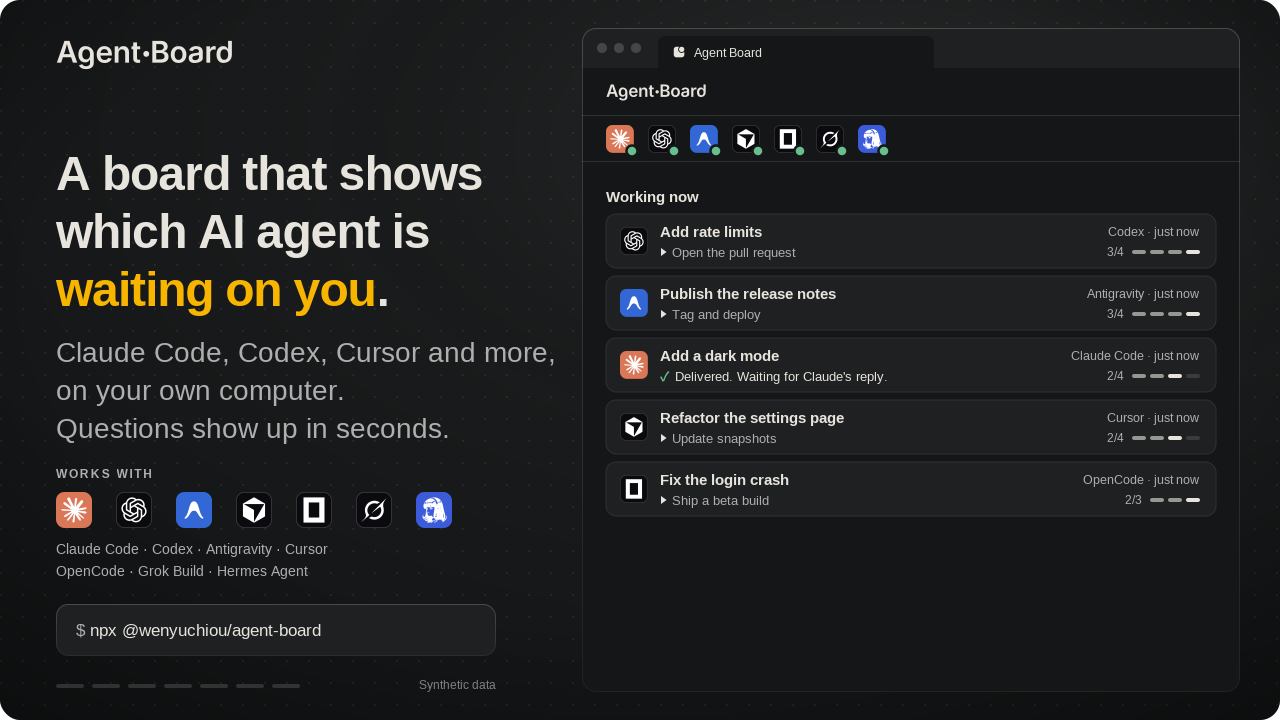
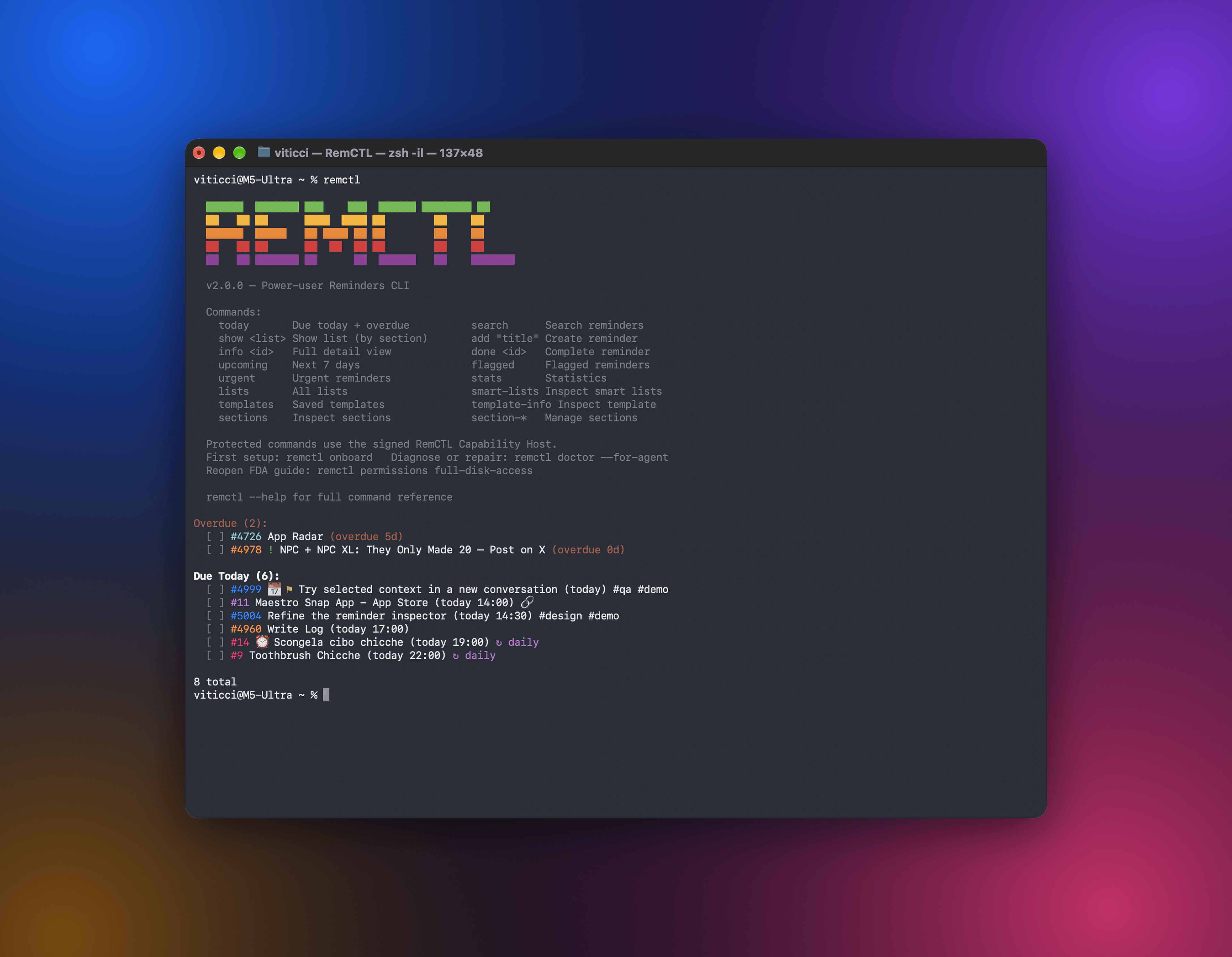
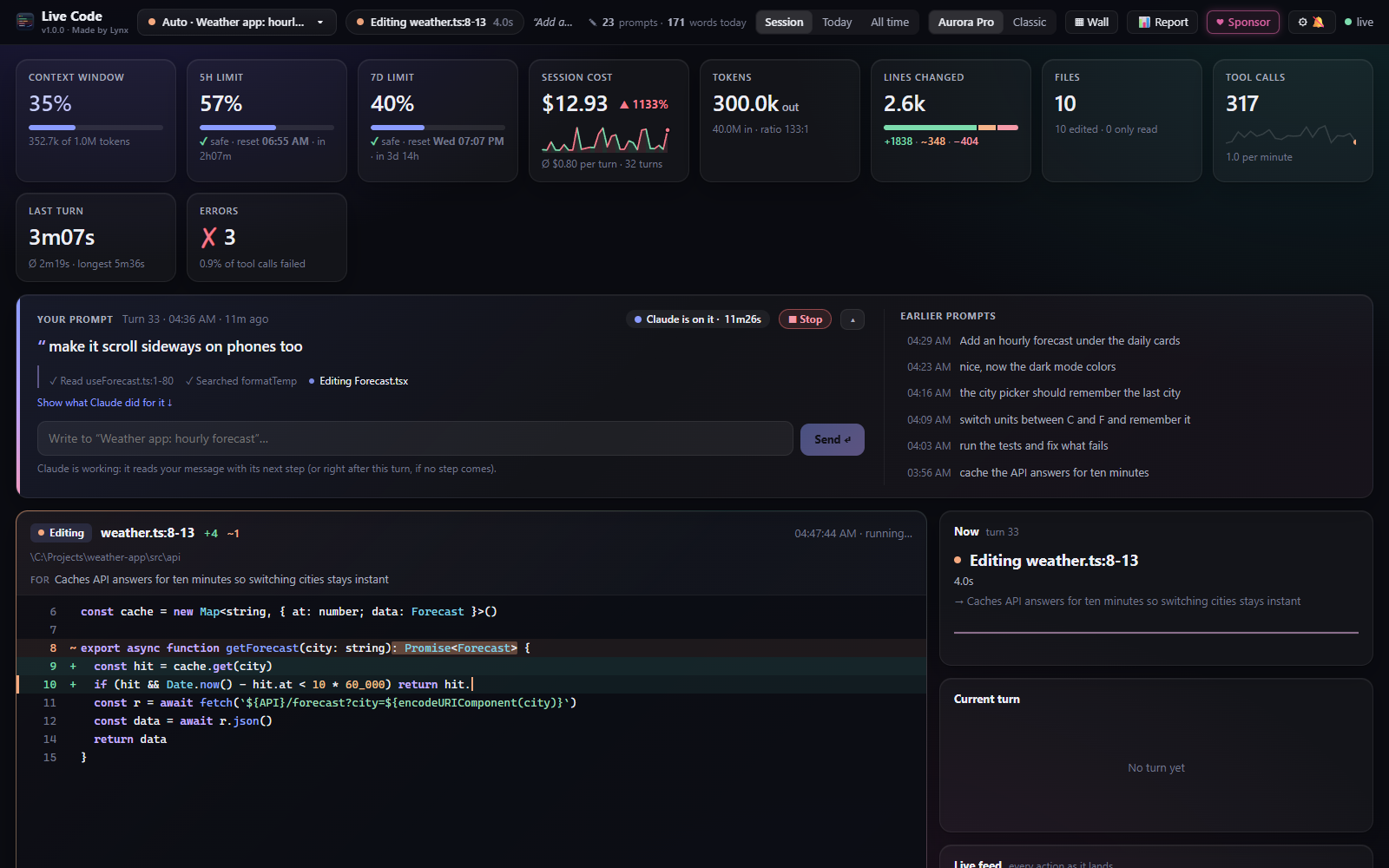
A local dashboard for AI agents that shows what each one is doing and which one is waiting on you. Works with Claude Code, Codex, Antigravity, Cursor, OpenCode, Grok Build and Hermes Agent. Runs on your computer, keeps everything in one Markdown file, no account.
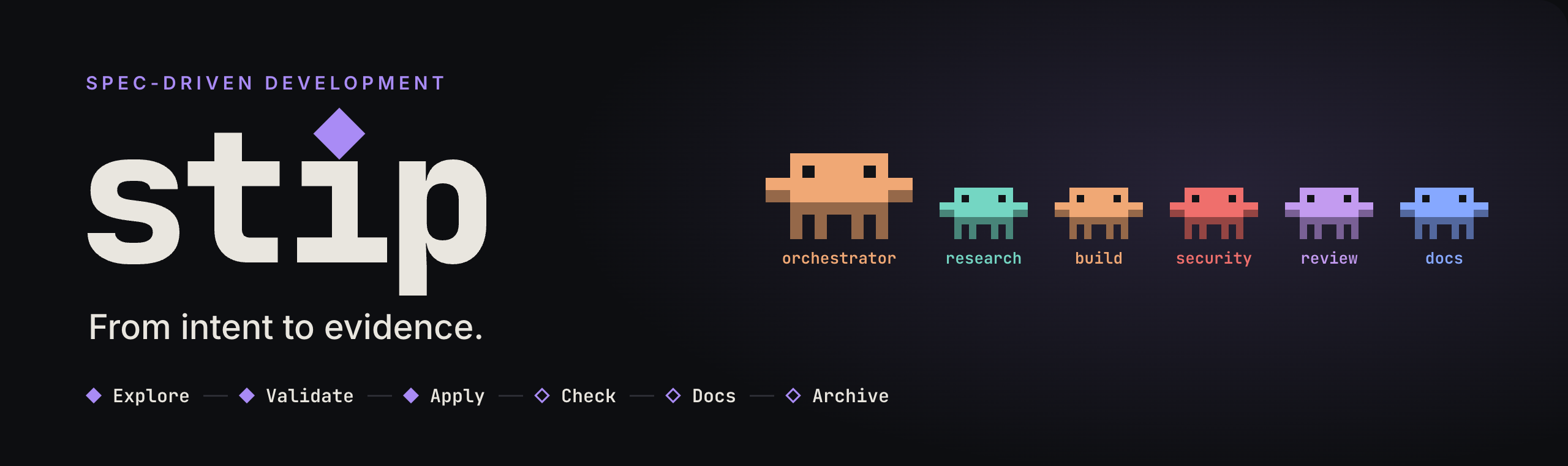
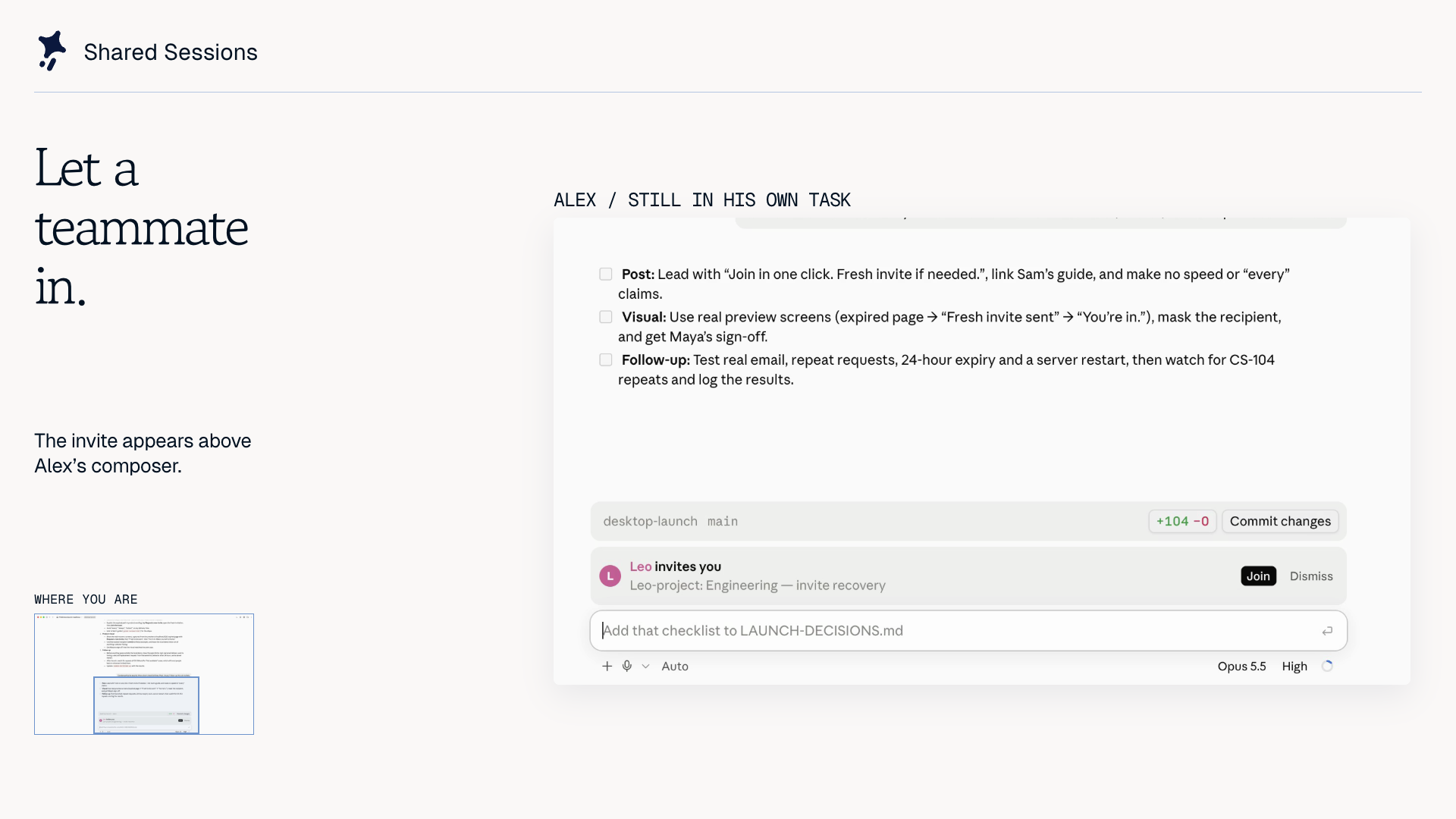
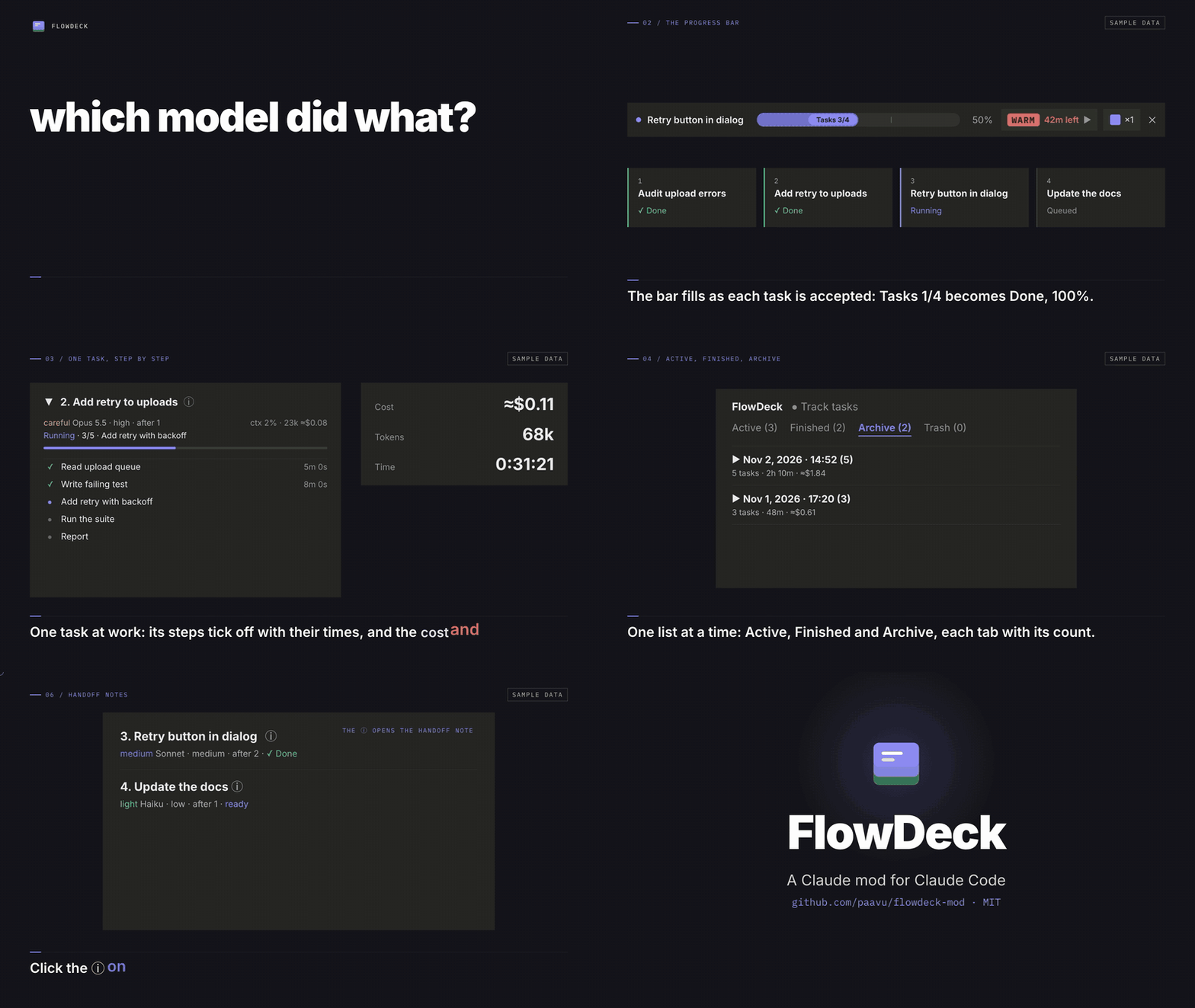
Spec-driven orchestration for Claude Code. You and an orchestrator agree on a spec with acceptance criteria, and nothing is built until you press Approve. Each task then goes to a worker with its own model and effort; writers run in isolated git worktrees and can only touch the files they own. A separate session checks every criterion, and the change ends as one local commit. Live pane and band in the terminal and desktop app. For developers who want AI work they can review.
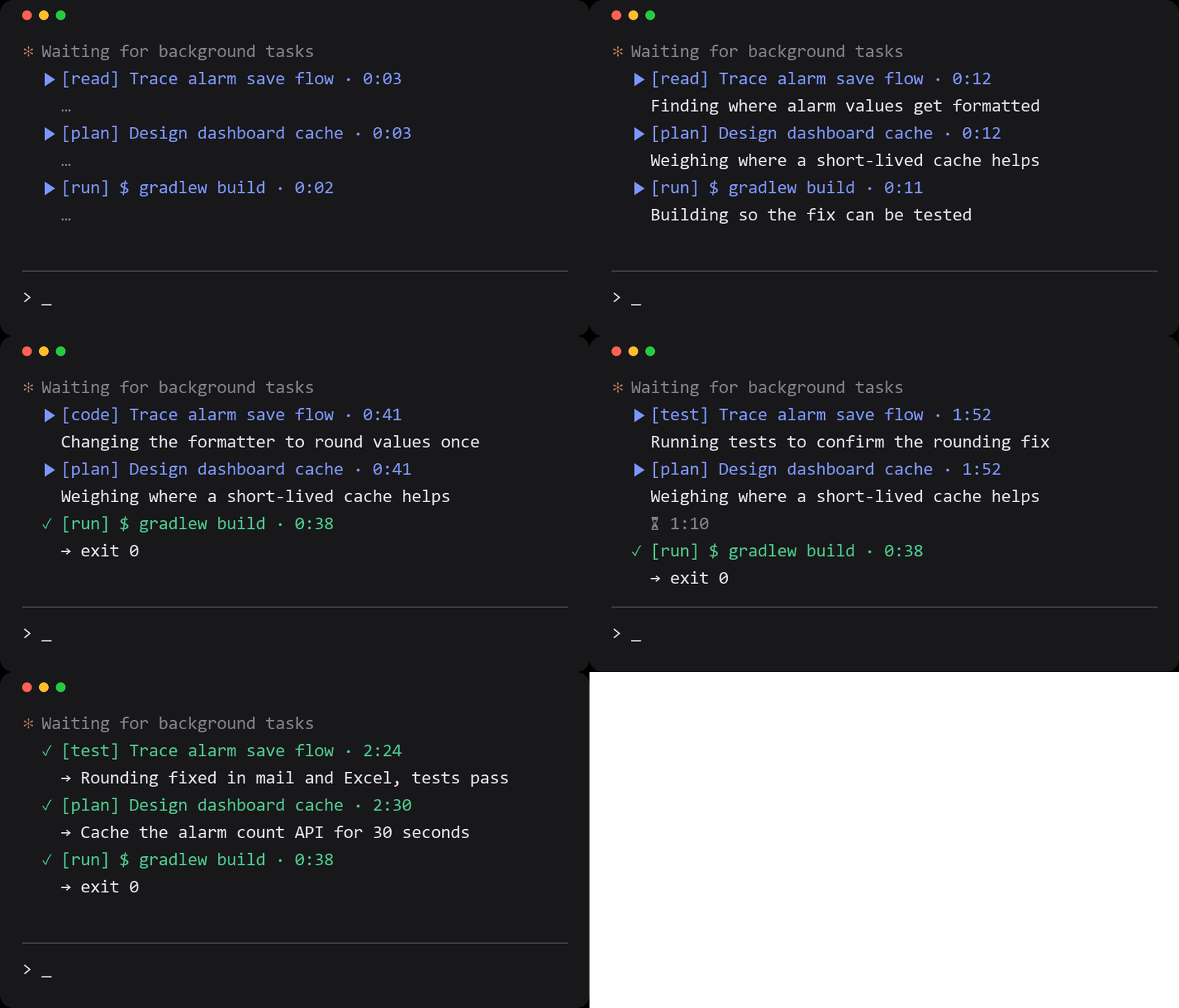
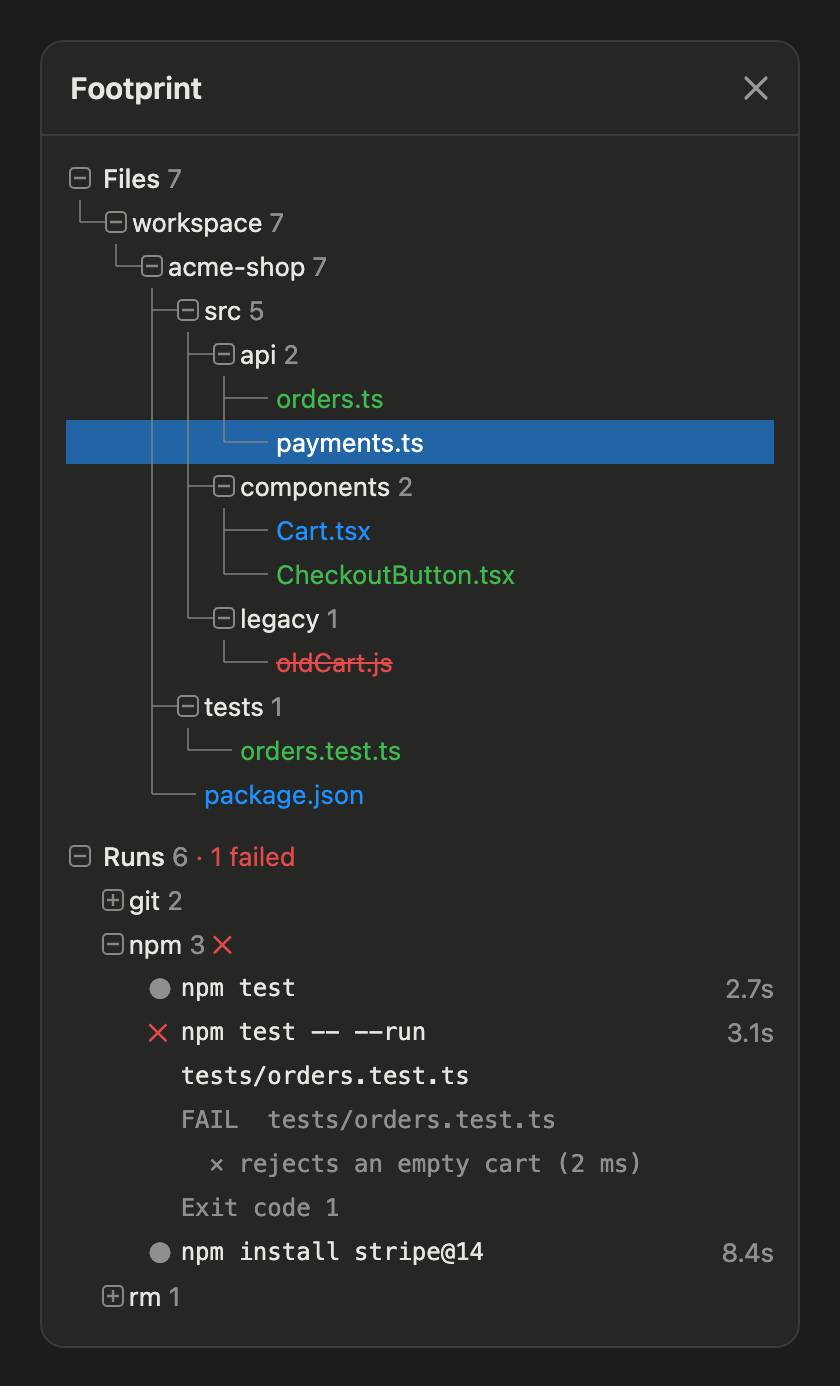
See what your background work is actually doing. task-lens adds a band above the Claude Code prompt that shows every running subagent, background shell and workflow as one plain sentence about its purpose, written by Haiku in the language you prompt in. Each task gets a kind tag ([read] [code] [plan] [docs] [test] [run]) that follows its current stage, plus elapsed time, stall time and a one-line result when it ends. No side panel.

Narsil is a chibi sea serpent that lives above your Claude Code prompt and shows at a glance what Claude is doing. She reacts to every tool call, levels up and grows through five stages as you work, offers tips and next steps, tracks your context and usage limits, and alerts you on your phone or watch while you’re away.
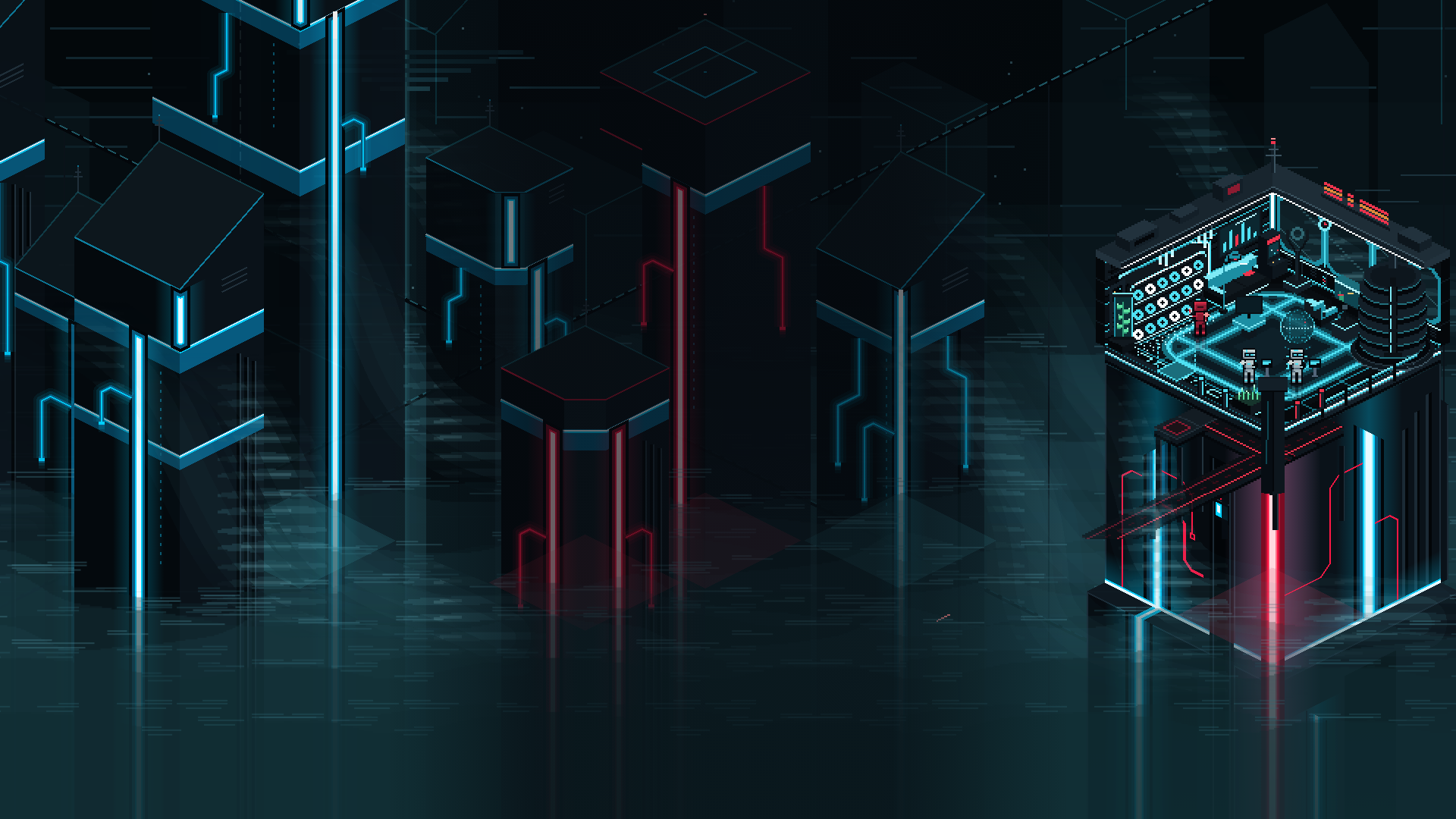
Turns the Claude Code desktop app into a pixel-art city at night. A tower room sits beside your chat, where Red Code, a small crimson program, acts out what your session is doing: reading, editing, running commands, searching the web, waiting on you. Helpers appear when agents run. Click the room to play. Windows, dark mode.
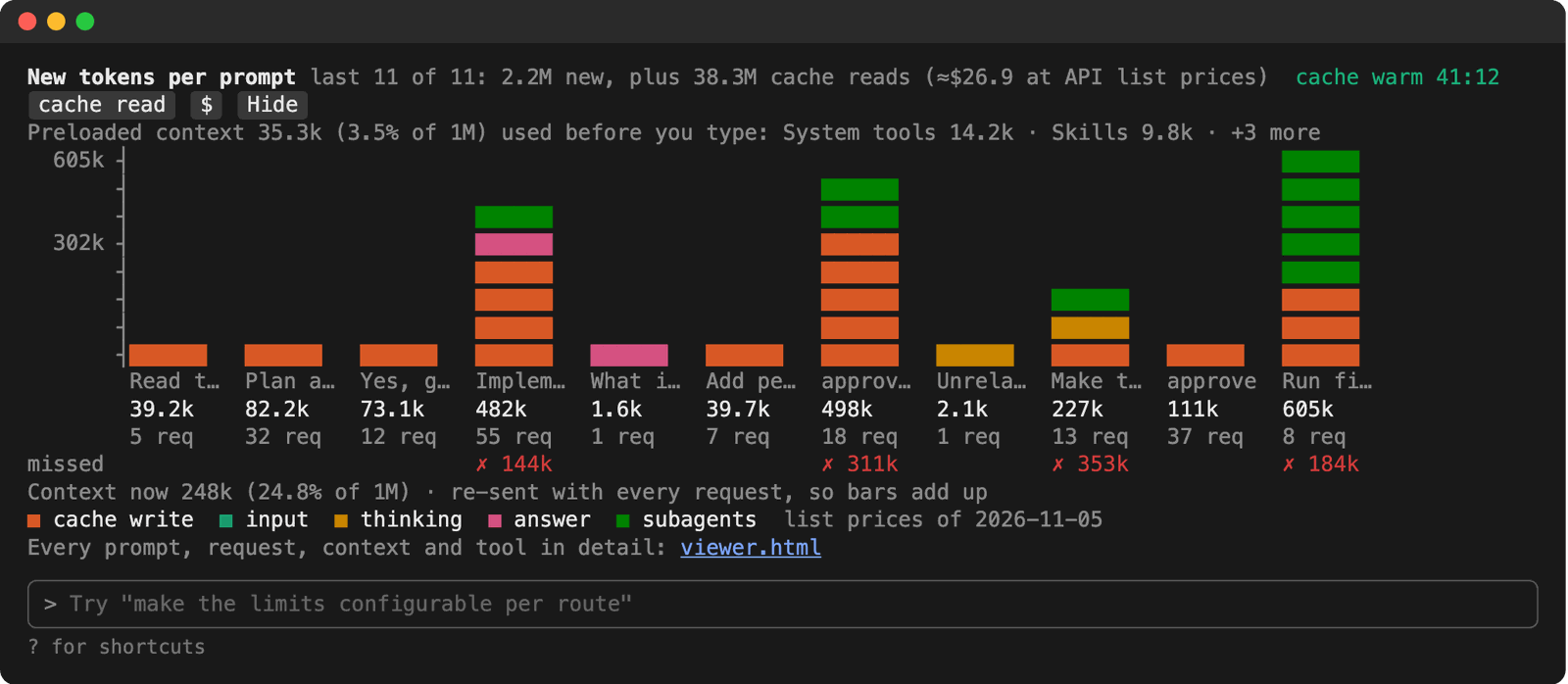
See where your Claude Code tokens go, prompt by prompt. A live chart above the prompt splits each one into new input, cache writes, cache reads, thinking, output and subagents, marks prompt-cache misses, counts down to a cold cache and shows the API list-price cost in dollars. An offline viewer breaks down every session from local JSONL logs. Nothing leaves your machine. Terminal, desktop app and VS Code; macOS, Linux and Windows.