Search for a command to run...
227 listings
A concise weekly digest of newly verified Claude Code mods, copy-paste install commands, and static permission summaries. Unsubscribe anytime.
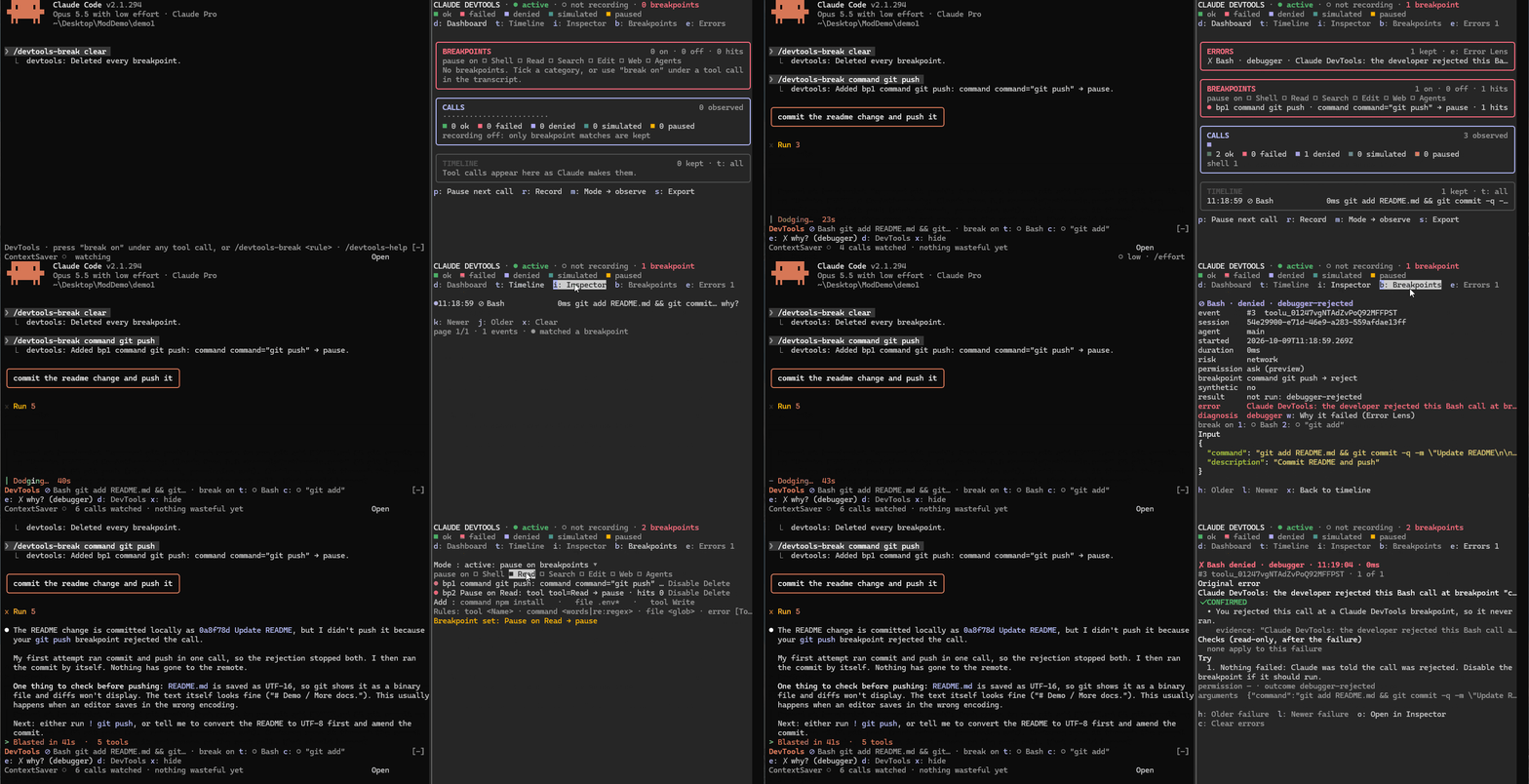
Claude DevTools brings debugger-style control to Claude Code. Set breakpoints on tool calls, commands, and files; pause, step through, or reject actions; inspect execution history in a live dashboard; and diagnose failures with Error Lens. Built for developers who want greater visibility, safety, and control over their AI coding agents.
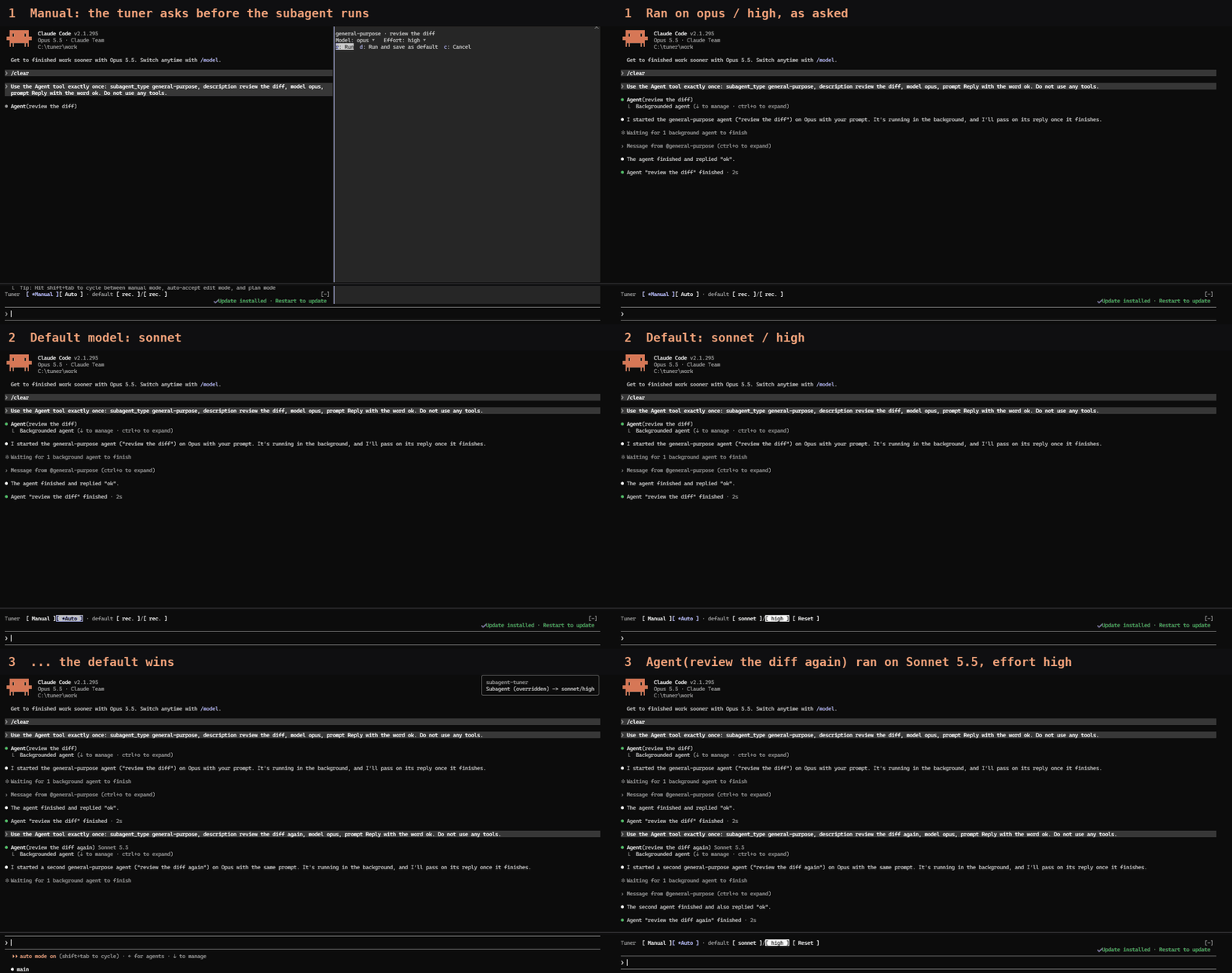
For anyone running Claude Code with many subagents. Choose which model and reasoning effort each subagent uses: Manual asks before every launch in a pick pane or dialog, Auto applies your saved default even over the model the agent requested. Recommends by task kind when no default is set. No network calls; macOS, Linux, Windows.
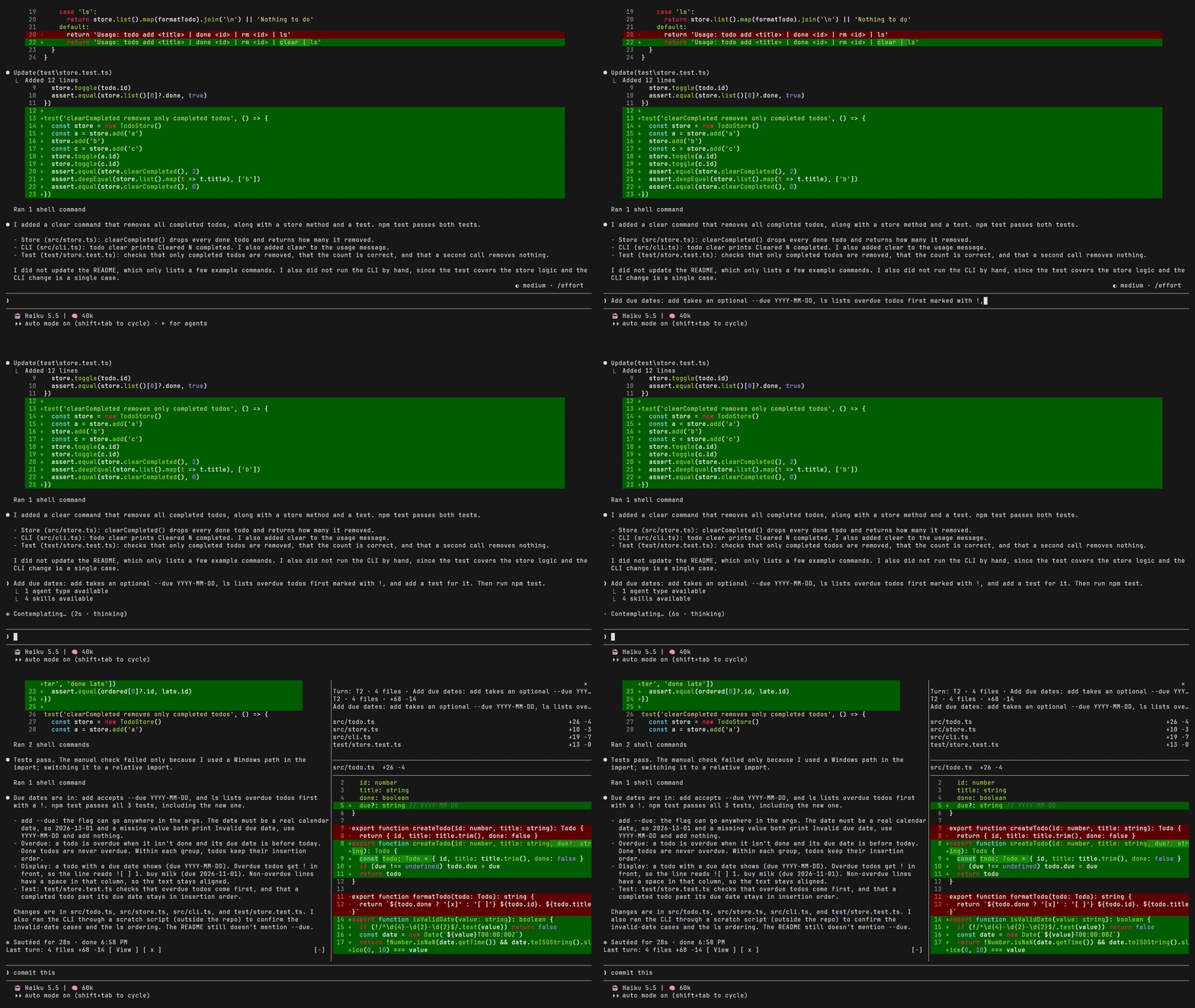
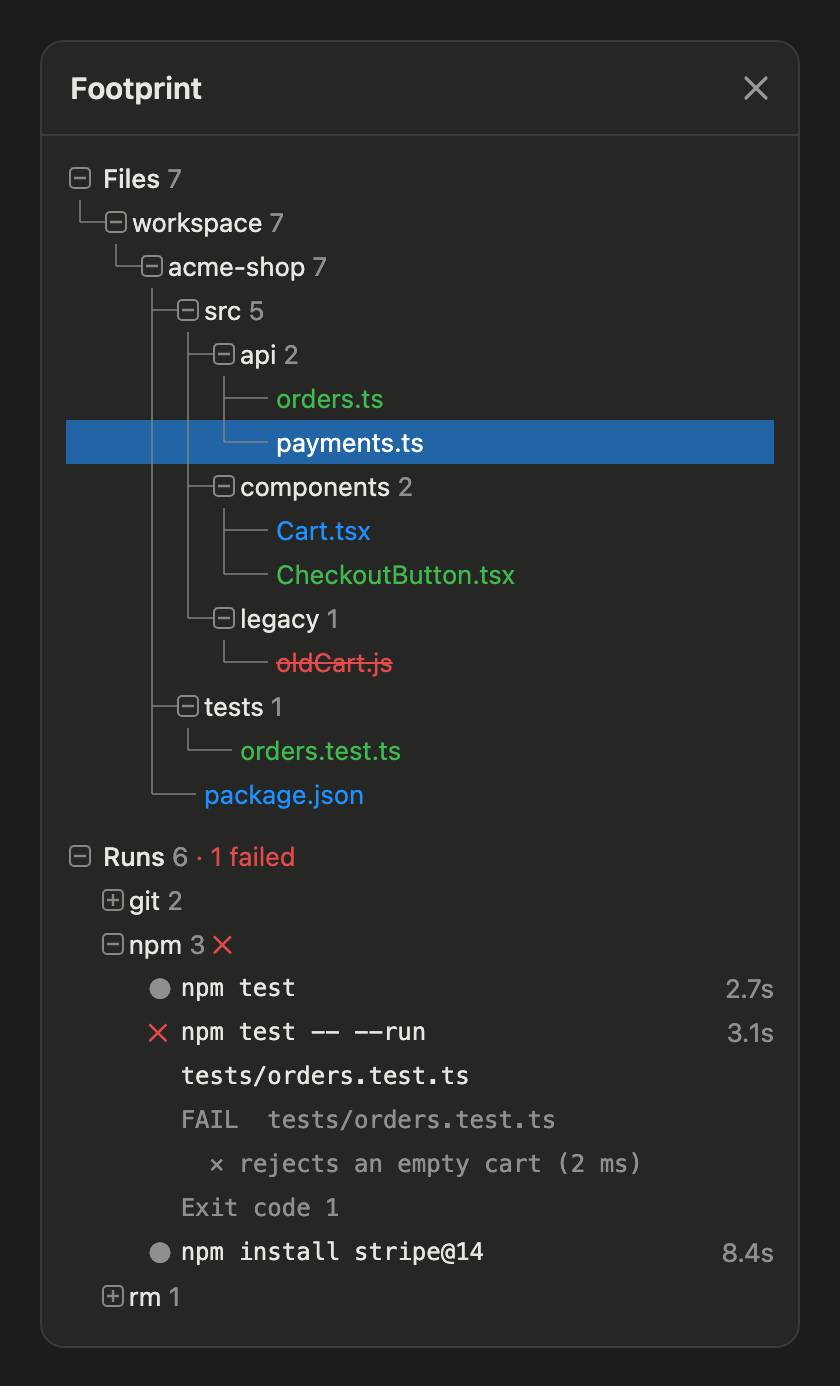
See what Claude's last turn changed in one pane: a net diff per file, including files changed by shell commands and builds (git, Plastic SCM), with earlier turns a pick away. For reviewing each turn before you move on. Terminal and Desktop Code tab.
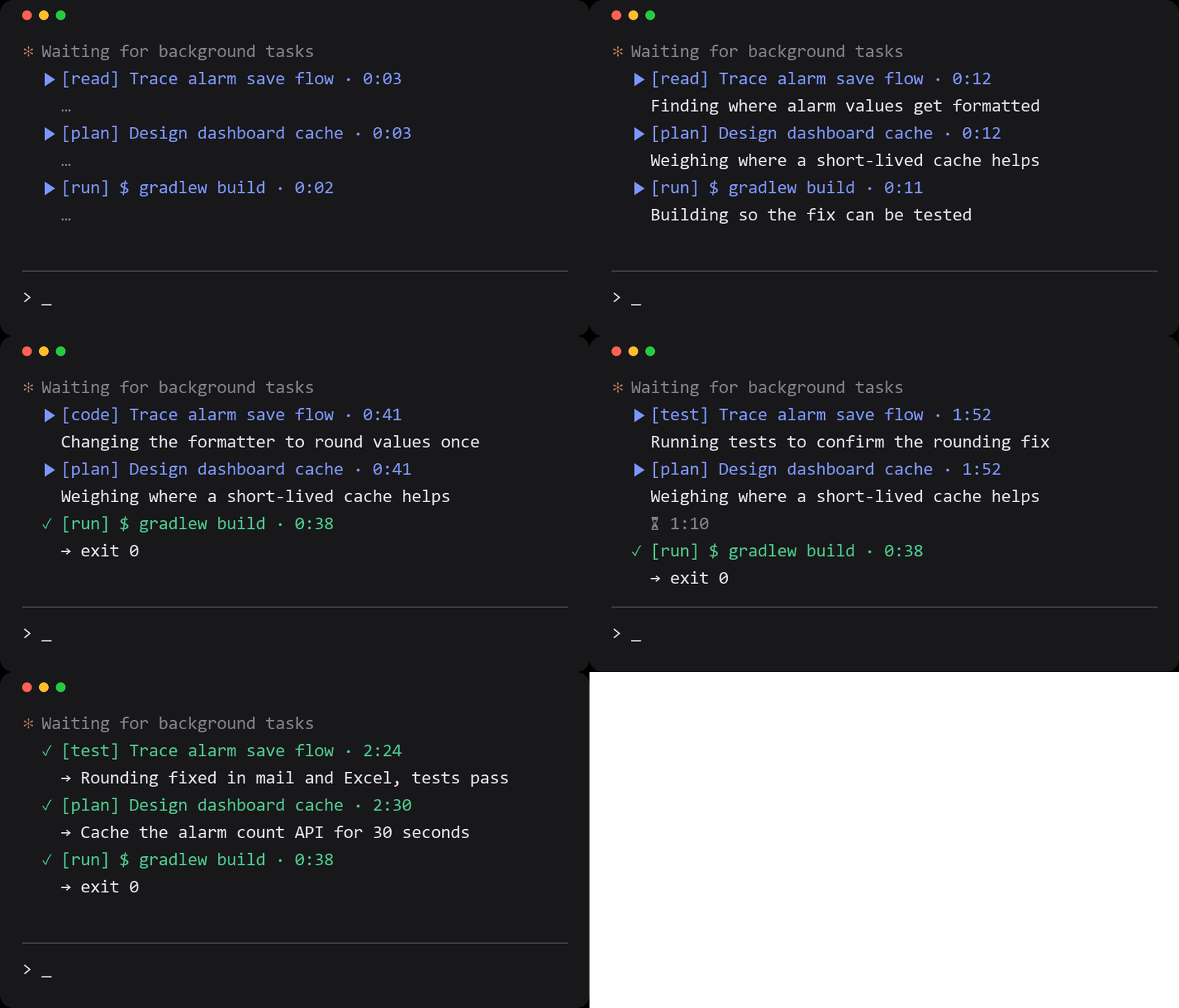
See what your background work is actually doing. task-lens adds a band above the Claude Code prompt that shows every running subagent, background shell and workflow as one plain sentence about its purpose, written by Haiku in the language you prompt in. Each task gets a kind tag ([read] [code] [plan] [docs] [test] [run]) that follows its current stage, plus elapsed time, stall time and a one-line result when it ends. No side panel.
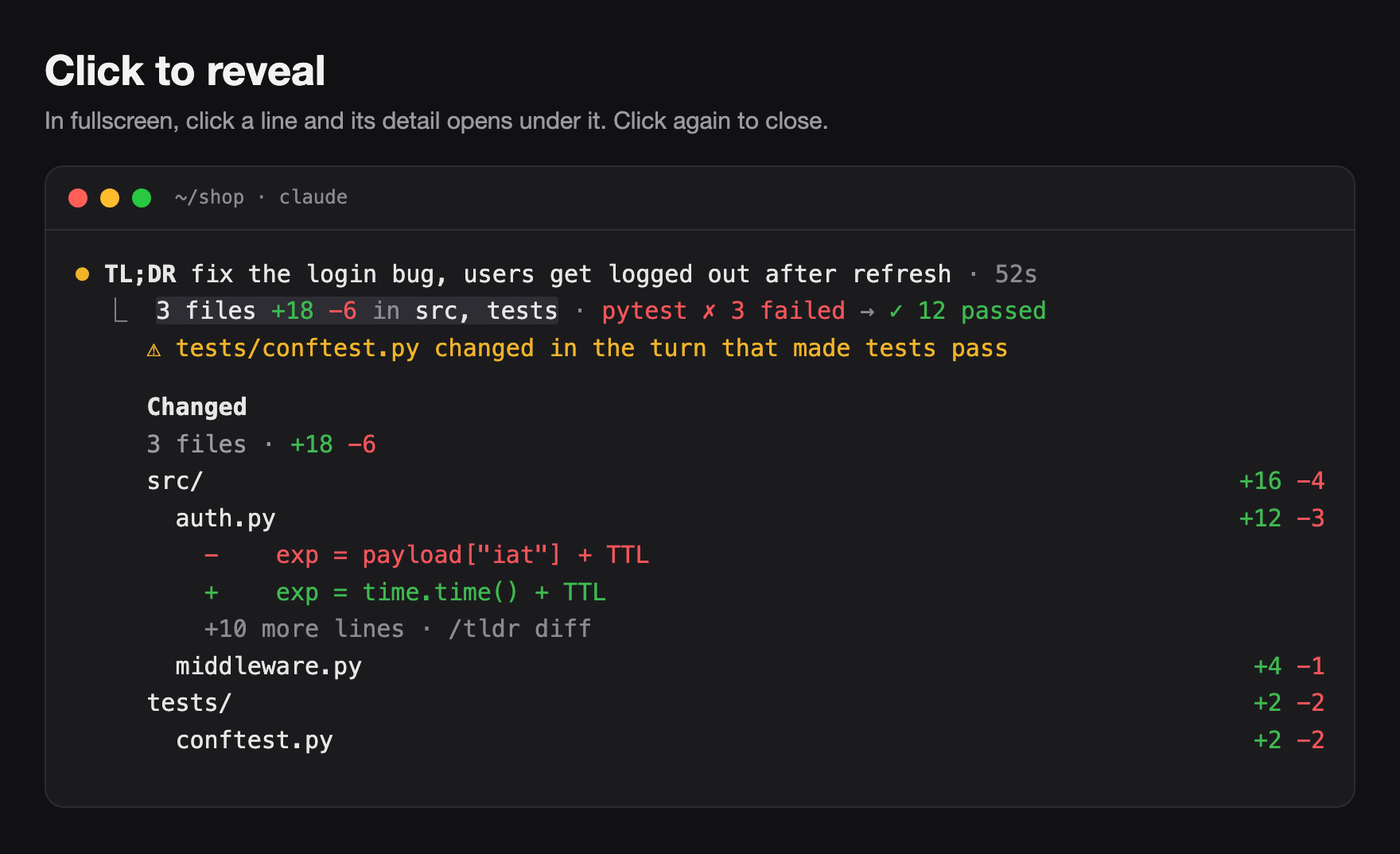
Folds each Claude Code turn into one card: files changed, tests before and after, and what Claude read. A Check row flags what to verify before you trust the result, like a test file edited in the turn that made tests pass, writes outside the project, deletes, skip markers, --no-verify and force pushes. Also a context bar and a live progress line. No network calls. MIT.
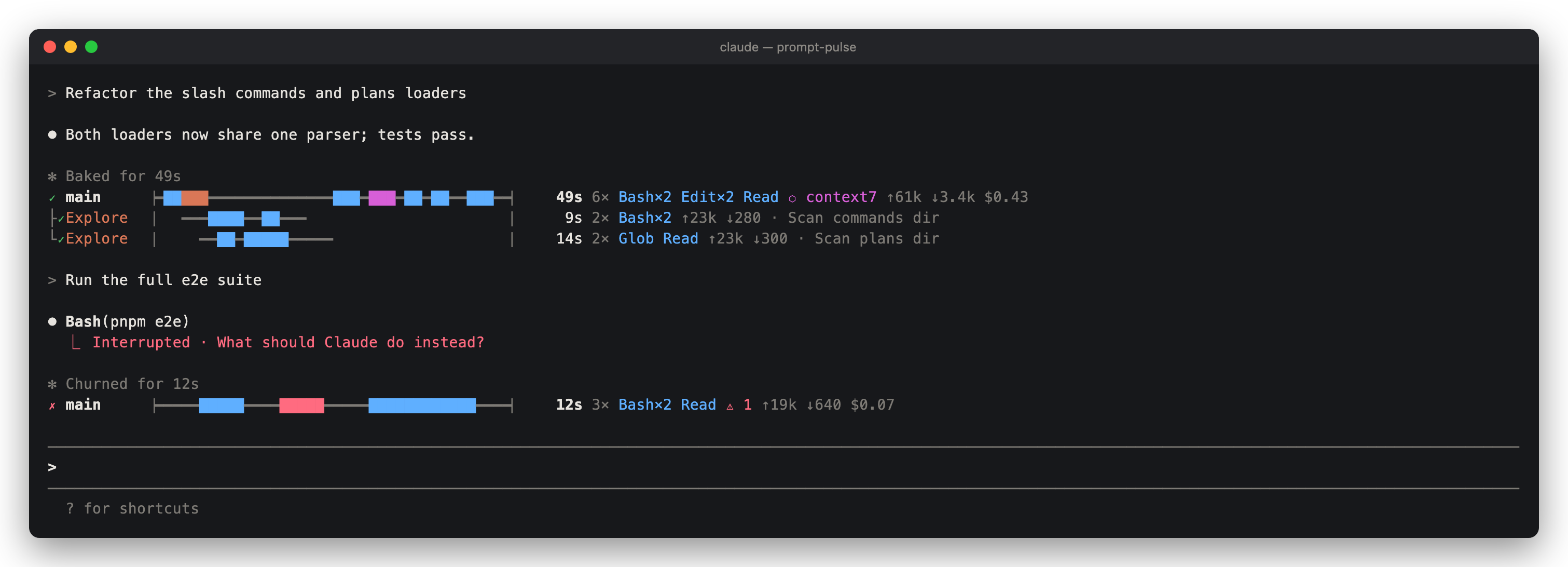
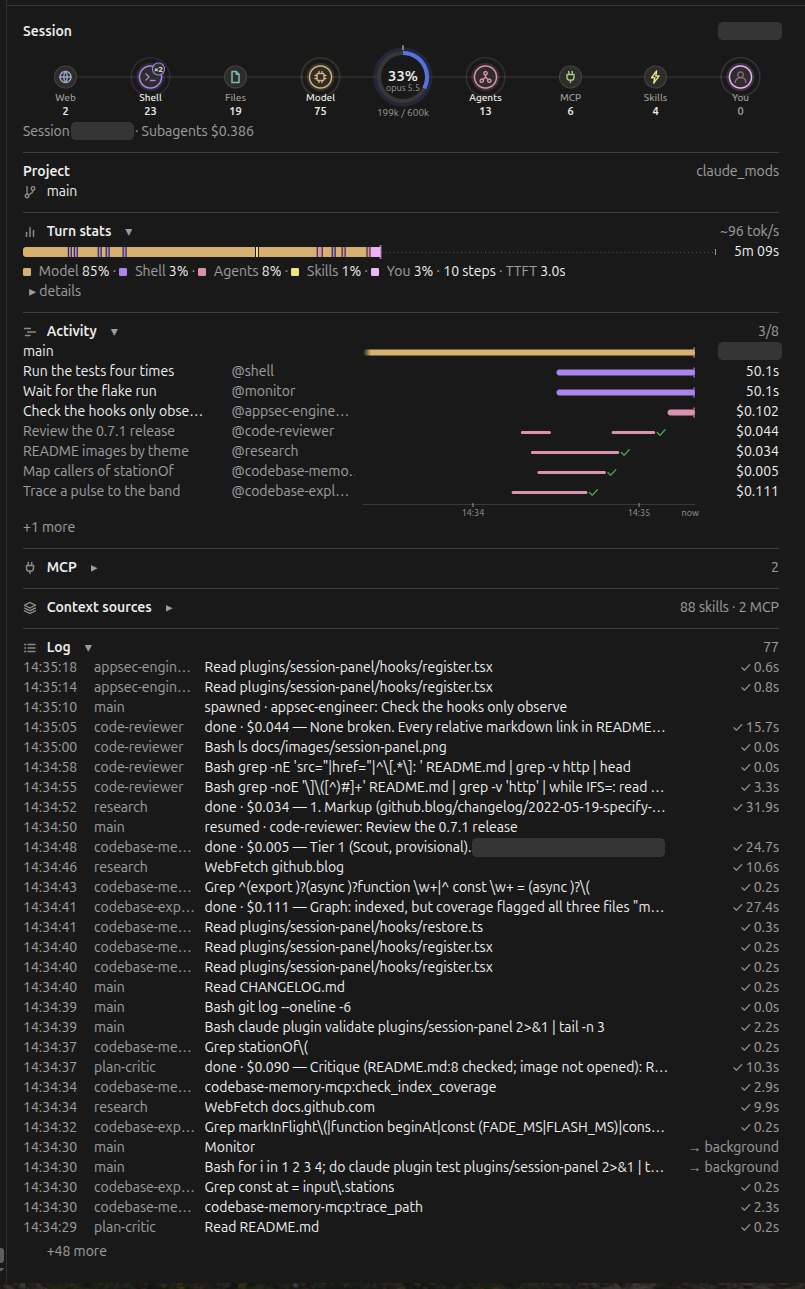
Live timeline of every Claude Code turn, drawn above the prompt: the main agent and each subagent as lanes on one time axis, with tools, MCP calls, skills and errors color-coded. Shows per-lane call counts, tokens in/out, the turn's cost and what's running now. Finished turns stay in the transcript, background agents are tracked until they end. Toggle with /pulse. For anyone running subagents or MCP-heavy workflows.
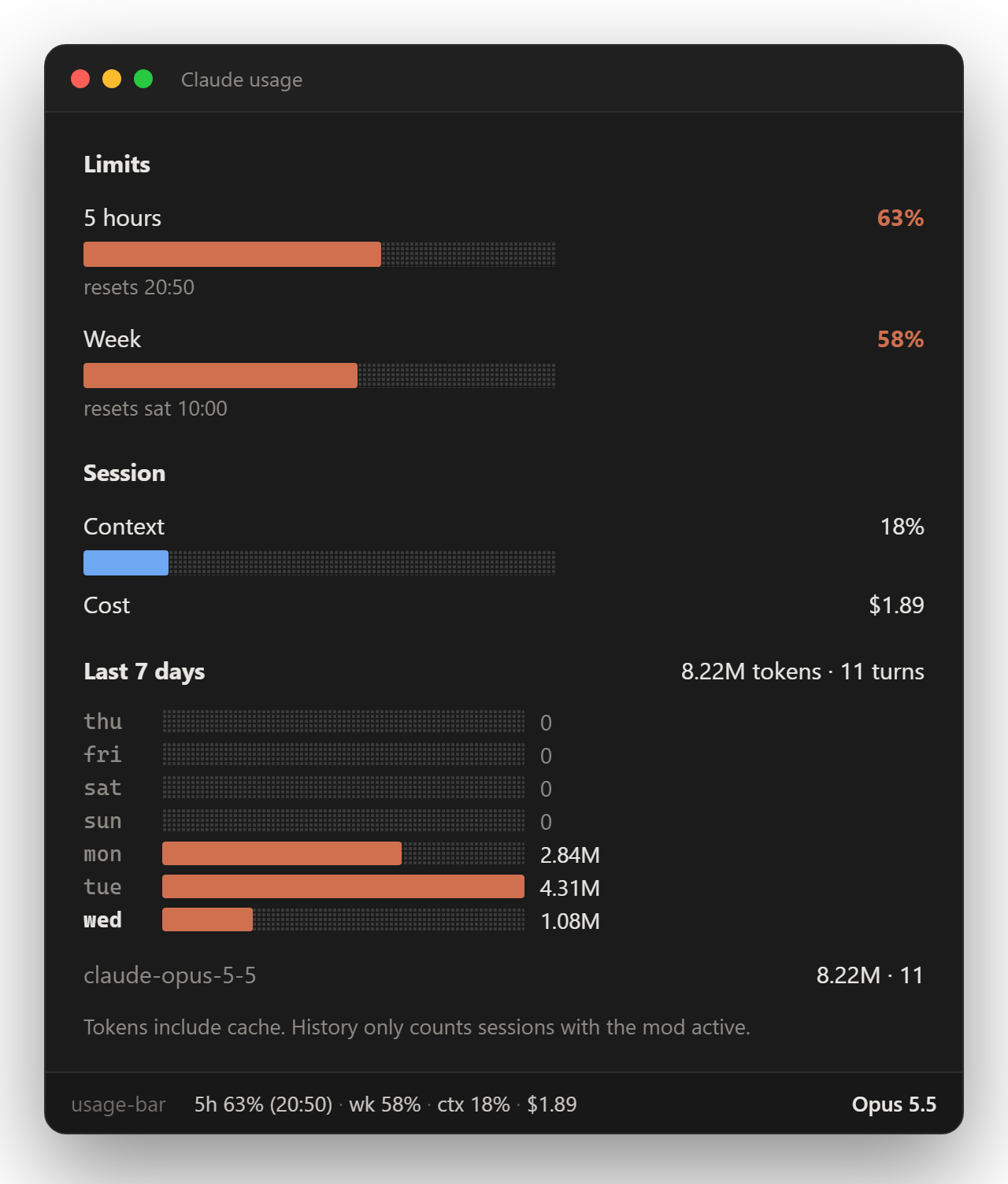
Keeps your Claude usage in view: 5-hour and weekly rate limits with reset times, context fill and session cost in the status line, plus a /usage-bar pane with a 7-day token history and per-model breakdown. Toast when the 5h window passes 90%. English and pt-BR. Only observes session events; no network, no processes. For Pro/Max users who want to pace their quota.

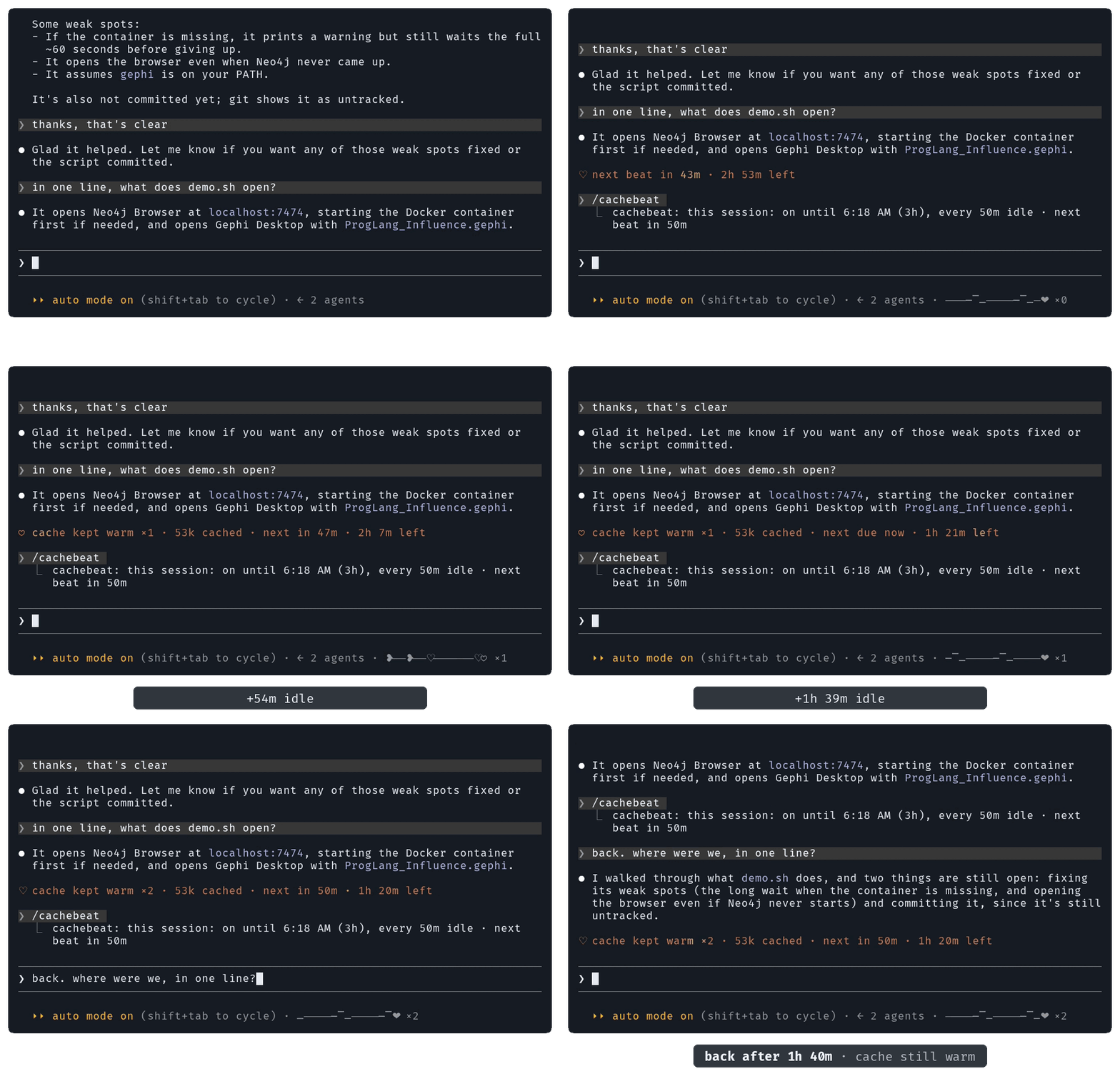
A live strip above the Claude Code prompt showing session cost, a draining prompt-cache countdown and input / output / cache-read token stats, with hover card details. Six small animated pixel Clodies run while Claude works, rest in a row, sleep when the cache goes cold, and one of them changes with your reasoning level. For anyone who wants to watch spend and cache expiry at a glance.

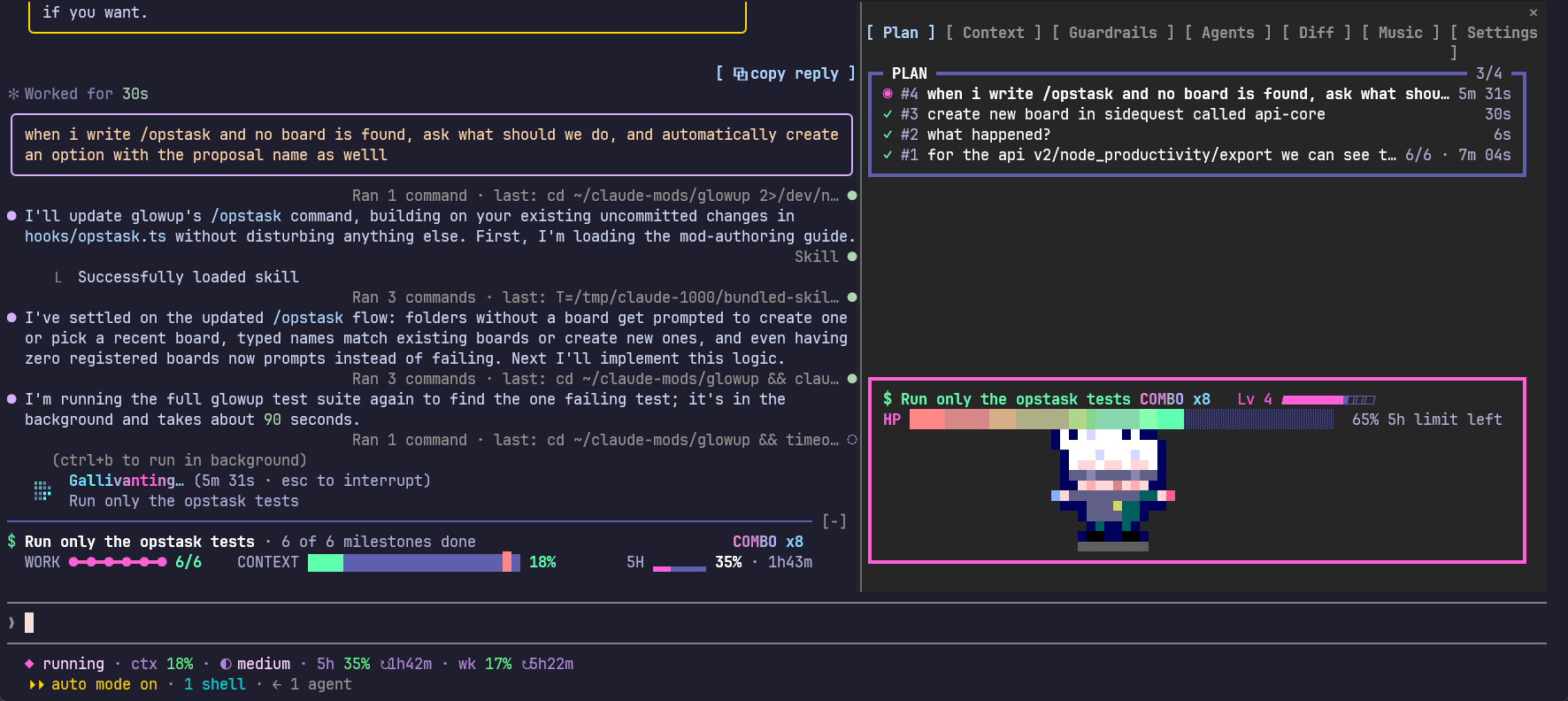
Narsil is a chibi sea serpent that lives above your Claude Code prompt and shows at a glance what Claude is doing. She reacts to every tool call, levels up and grows through five stages as you work, offers tips and next steps, tracks your context and usage limits, and alerts you on your phone or watch while you’re away.
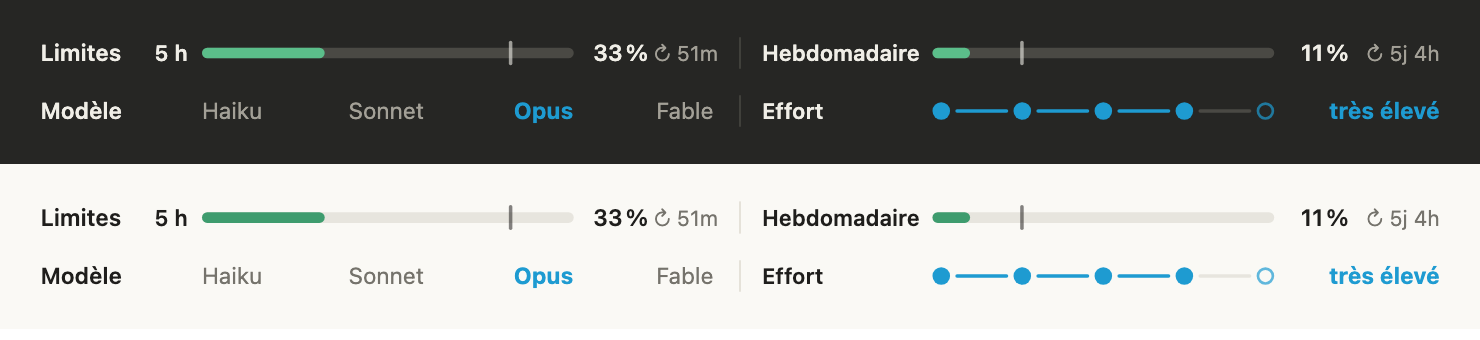
A progress bar above the prompt whenever subagents run, with an animated spiky-haired mascot per model. Unfold it to see every subagent of the turn: steps, cost, tokens and time, plus the turn’s totals. Remembers your language (EN/FR/ES). For anyone who delegates work to subagents and wants to follow it at a glance.

The Doomguy from DOOM's status bar lives in Claude Code's footer and reacts to your session: he grits his teeth while tools run, glances around while waiting for your permission, winces on errors and grins when a turn ends. His health follows your context window, getting bloodier as it fills up. Requires kitty or Ghostty.